

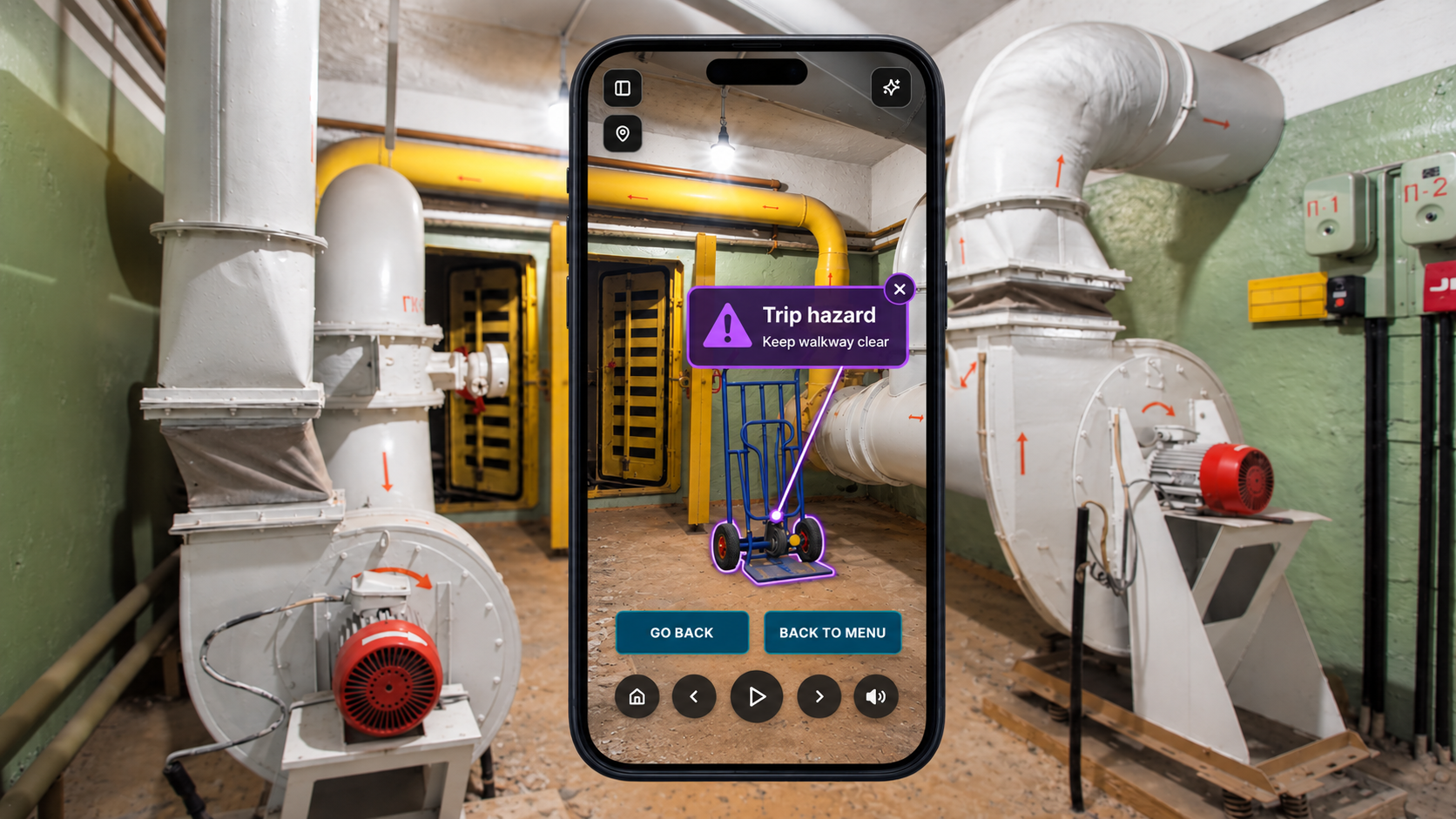
SITE SAFETY INDUCTION TRAINING
Safety training people remember
Build training from your own facilities, so people learn to spot risks where they will actually meet them. Every completion and score recorded for your compliance files.
The Problem
Site-specific safety training means walking someone around in person. It happens once, for whoever was there that day, and then it has to happen again for the next hire, the next contractor, the next shift.
Off-the-shelf courses scale, but they show a site nobody recognizes. They satisfy a compliance requirement without changing what anyone does, so most operations keep running the walkthrough anyway, paying twice to cover the same ground.
1 person per walk
Every new hire needs their own walk, and it starts over at every site and on every shift.
12 people · 3 shifts
Build it once. A dozen people take the same walkthrough across all three shifts, whenever they start.
What You Build for Safety Training
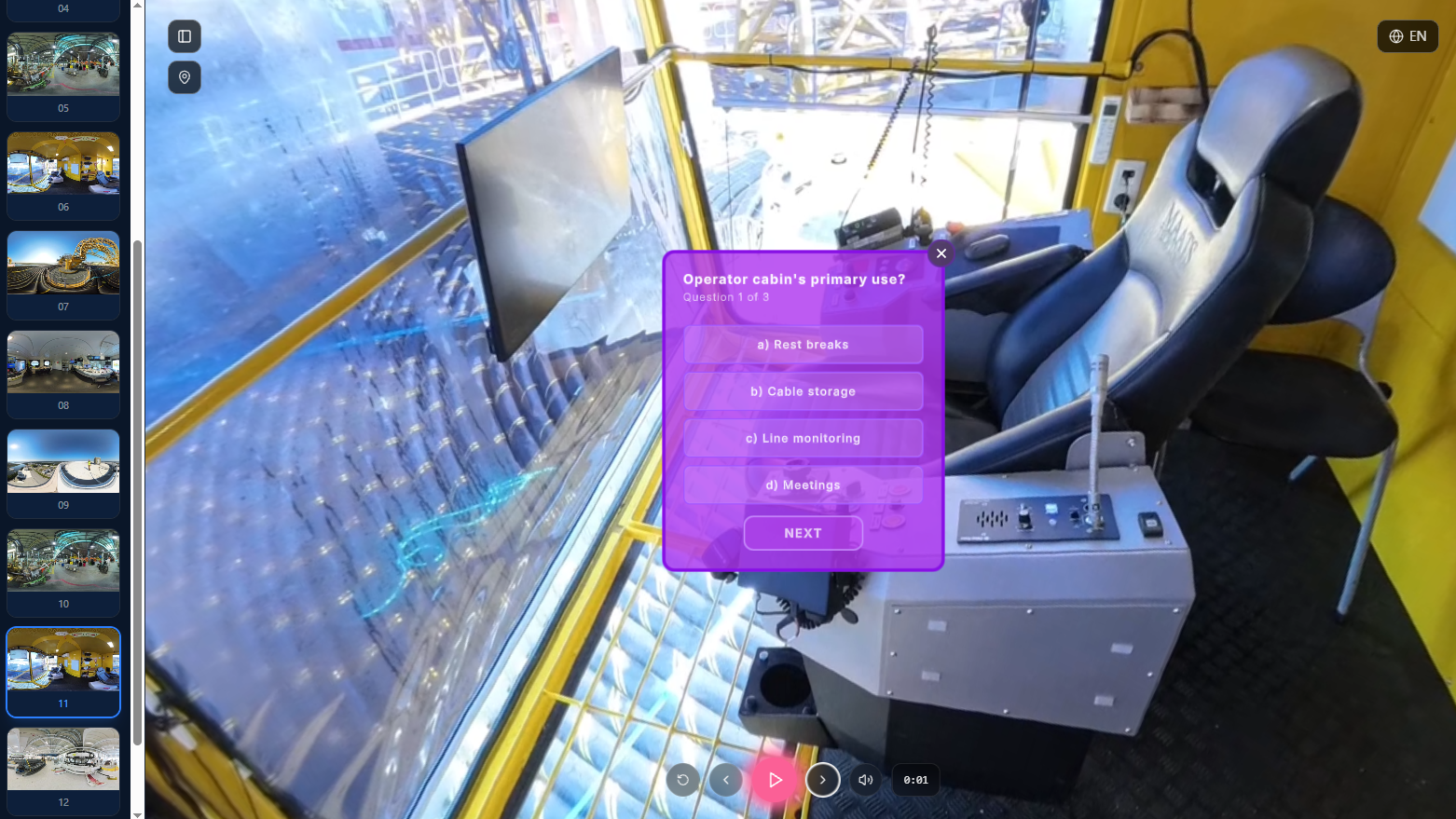
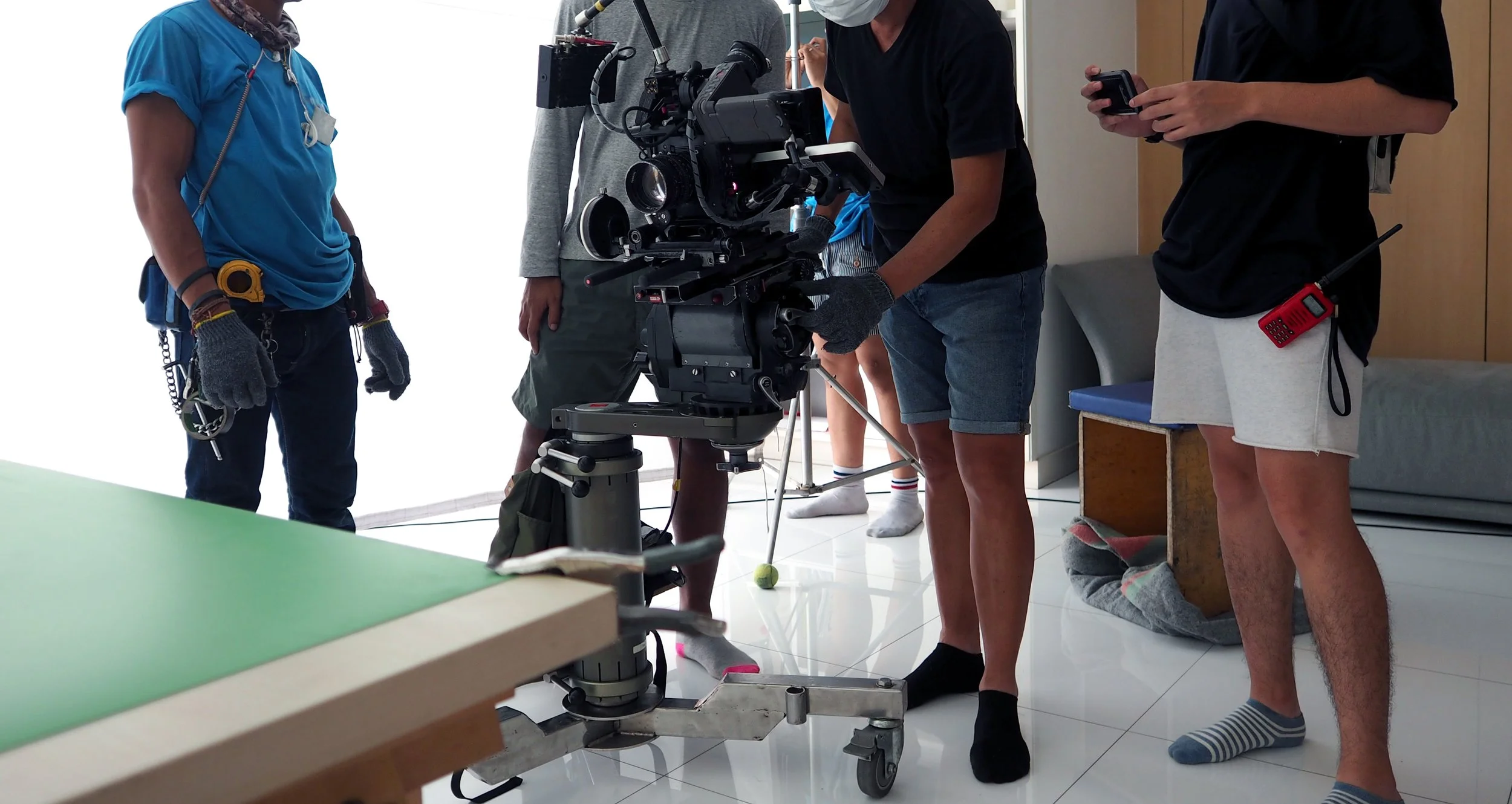
Training filmed in your own facilities.
The exits, the panels, the pinch points, in the rooms your people actually work in.
Hazard recognition that uses real scenes.
Learners look around a space and identify what is wrong, scored as they go.
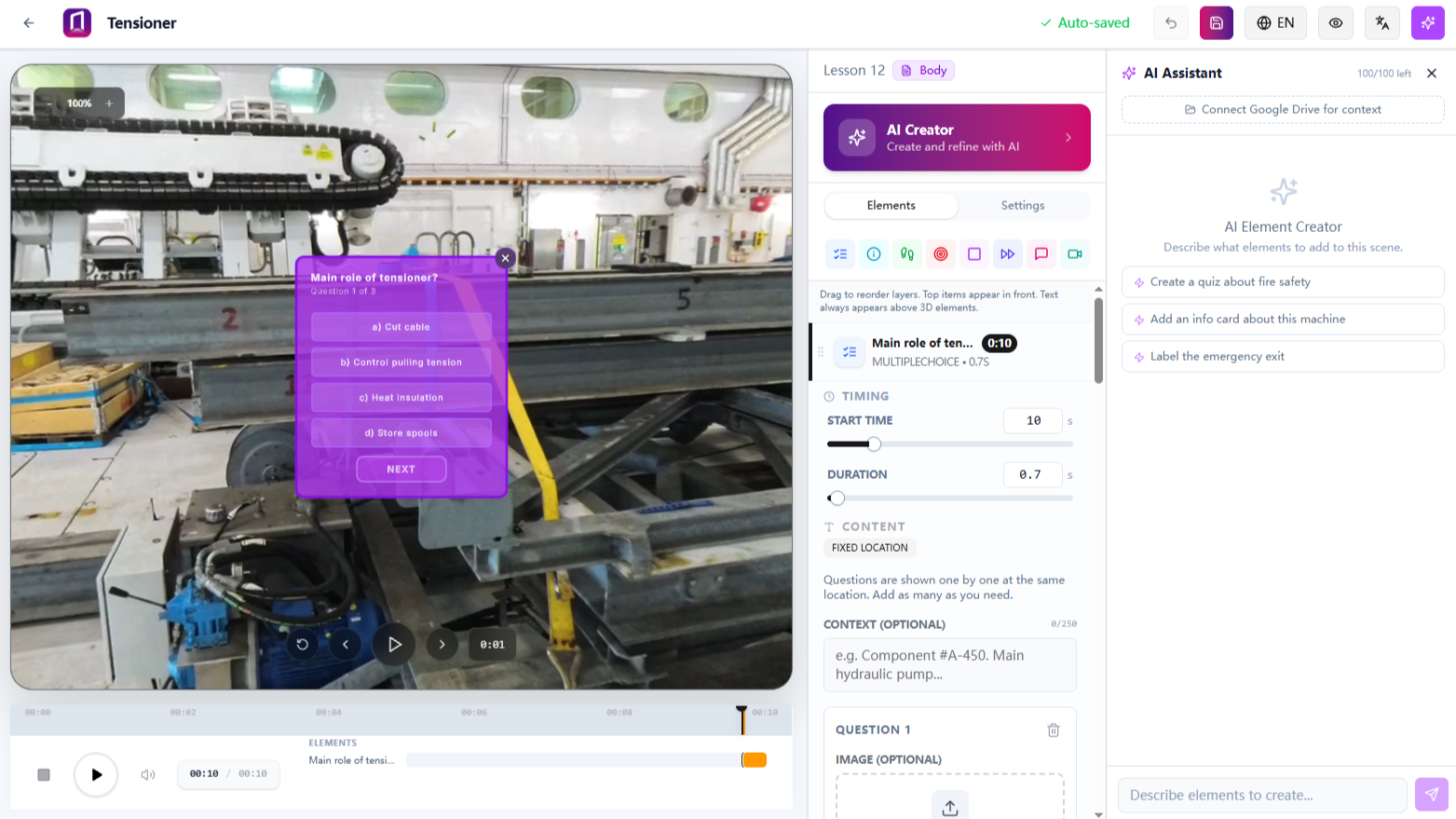
Courses with as much AI support as you want.
Build from scratch, or start with AI Creator. Hand it your footage and your existing procedures and it drafts the module and writes the check questions for your review.
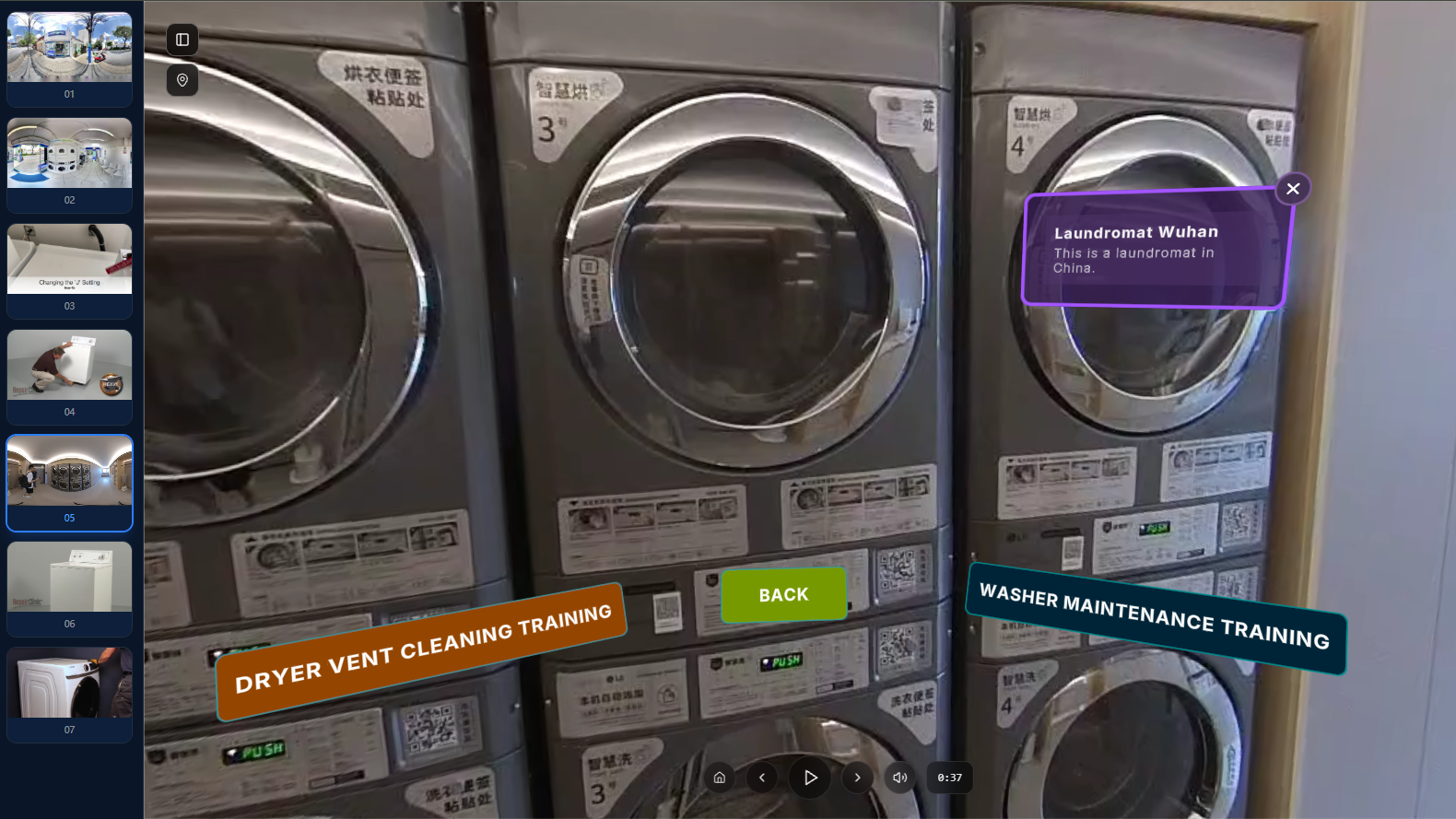
Procedures in sequence.
Lockout, PPE, chemical handling, demonstrated step by step and then assessed.
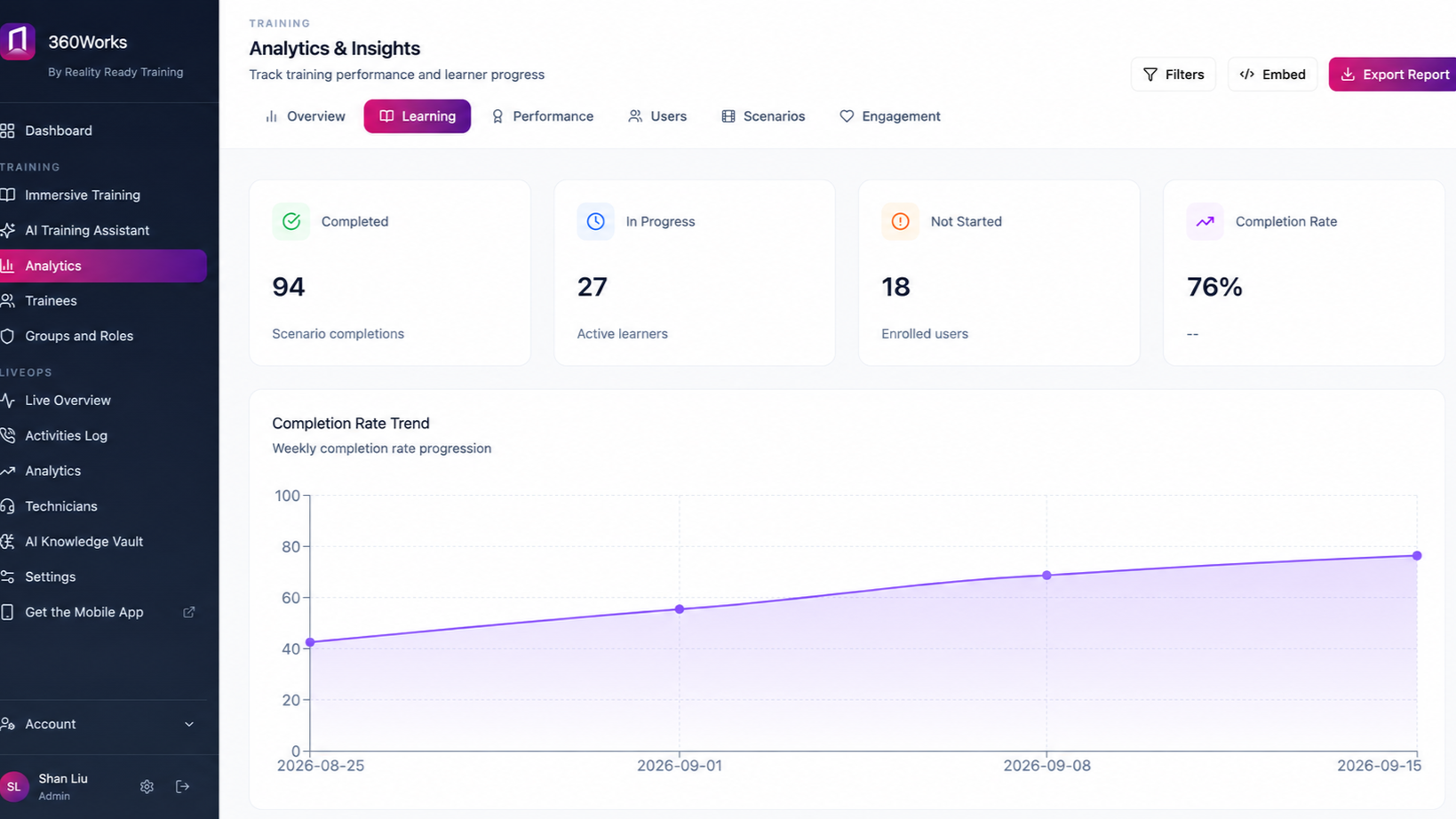
Records built for audits.
Who completed what, when, and how they scored. Exportable or pushed to your LMS.
Typical Modules
Site Safety Induction
- 1 Site orientation and exits 15 min
- 2 Hazard recognition in your areas 15 min
- 3 PPE for this site 10 min
- 4 Lockout and isolation 20 min
- 5 Spills and chemical handling 10 min
- 6 Escalation: who to call when something goes wrong 5 min
What You Need To Start
The procedures you are already required to have. Your safety documentation becomes the structure, and the filming puts it in the rooms it applies to.
A phone is enough to film with. A 360° camera is better where the hazard is the layout rather than a single piece of equipment.
Built By Our Studio
Reality Ready Training's studio captures every site, produces the modules and sets up AR wayfinding to exits and assembly points, then hands it all over in your own 360Works account for your team to update.
Common Questions
-
You get per-person records with scores and timestamps, exportable or pushed to your LMS. What your auditor accepts is their call, but the evidence is there.
-
Reassign the module when it is due. Each completion is dated, so the record shows the current certification and the history behind it.
-
Start with one and reuse the structure. Only the footage changes between sites, not the course.
-
No. Courses open in a browser on whatever device they already have.
Start with the site you worry about most
Film one area, build one module, and see what it looks like in your own building.