

One Platform for Digital Training and Live Expert Support
Build 360° and video courses your team can take anywhere. When someone needs help during the job, bring a remote expert into a live session from the same app.
Start with courses. Add live assistance when you're ready.
About
360Works
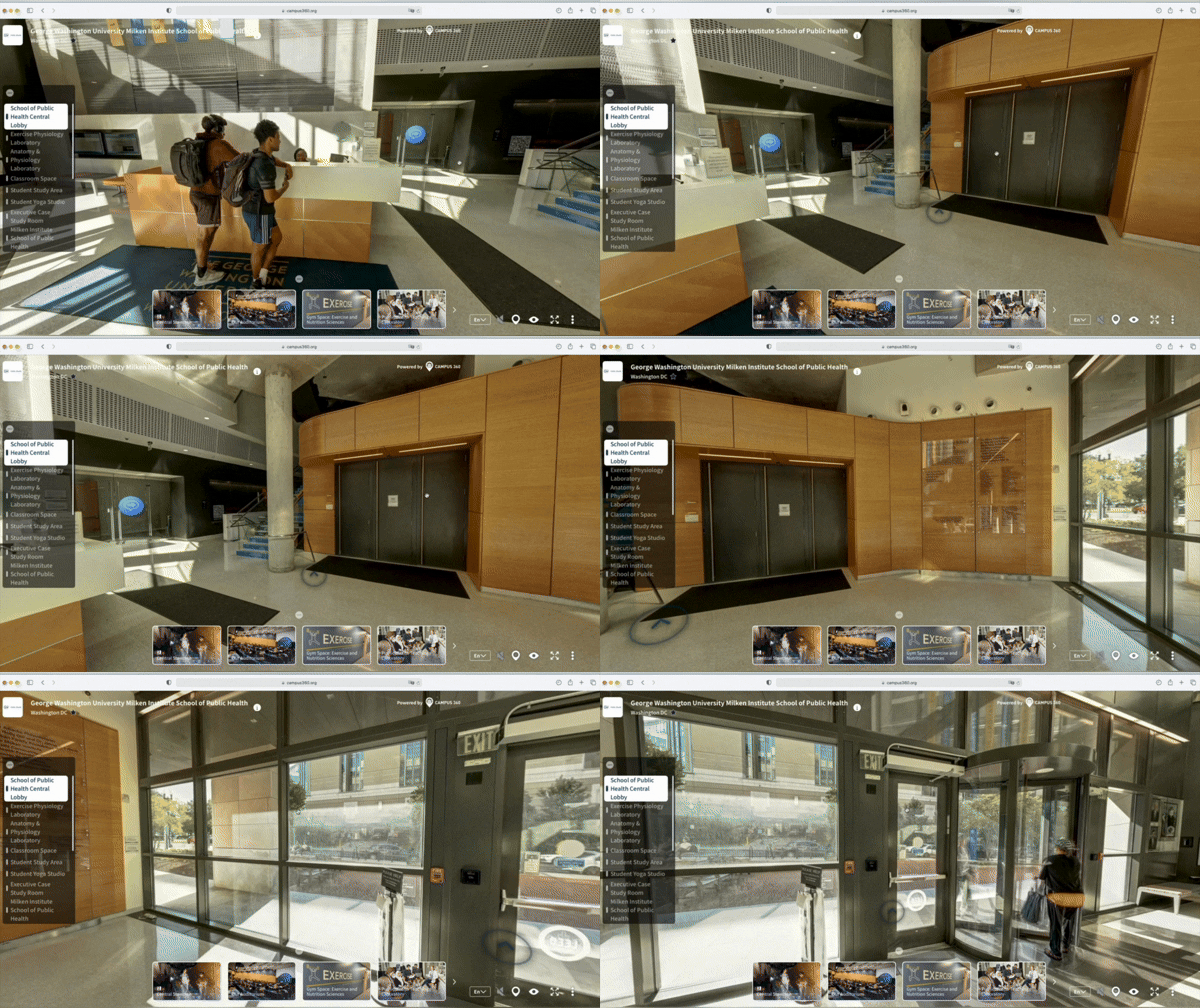
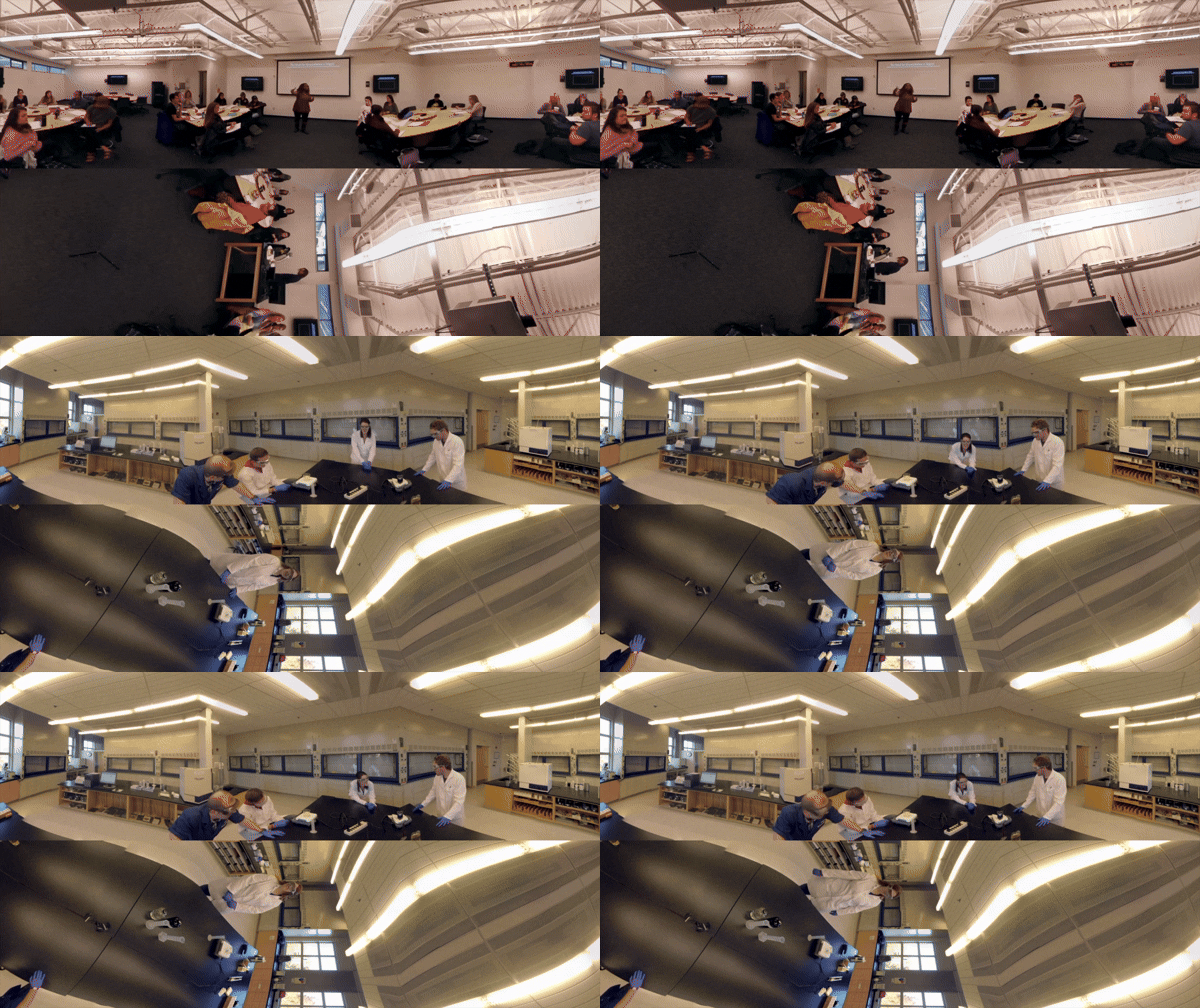
360Works puts your team inside a real job site before they ever set foot in one. Whether it's a 360° walkthrough of a facility or a straightforward instructional video, your people can look around a space, watch a repair in action, and learn the task as if they were really there. No travel, no downtime, no risk.
Build courses from visual content you already have: 360° video, standard 2D video, photos or slides. Then when someone hits a problem the course didn't cover, LiveOps puts a remote expert on the line who sees exactly what they see. Fewer escalations, fewer repeat visits, fewer trucks rolled.

Why 360° Immersive
Training Matters
Traditional e-learning isn’t keeping pace with modern learners. Immersive 360° learning transforms passive watching into active participation.

Learners are fully immersed, boosting engagement and focus.
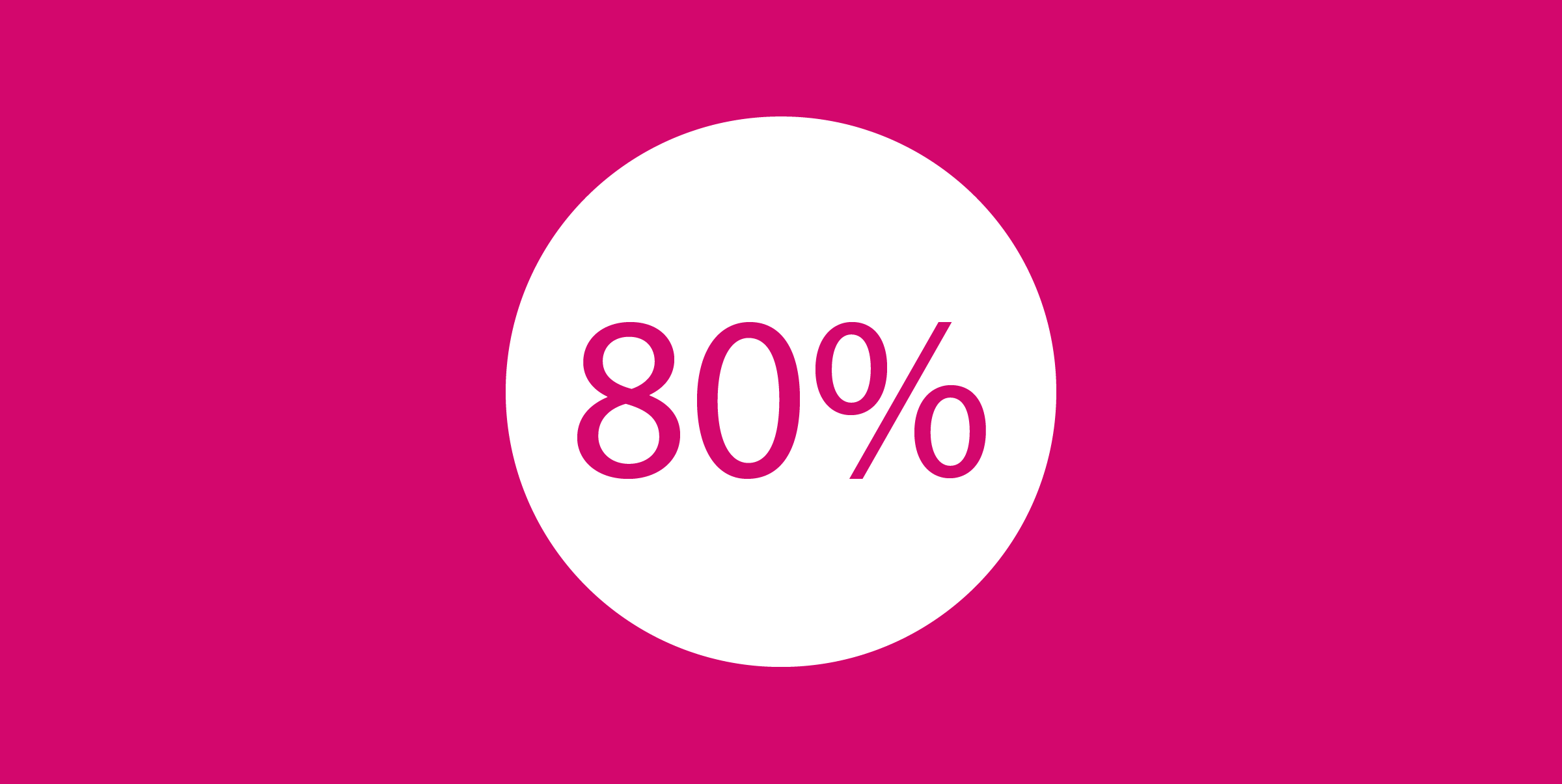
Retention improves significantly:
up to 80% after a year.
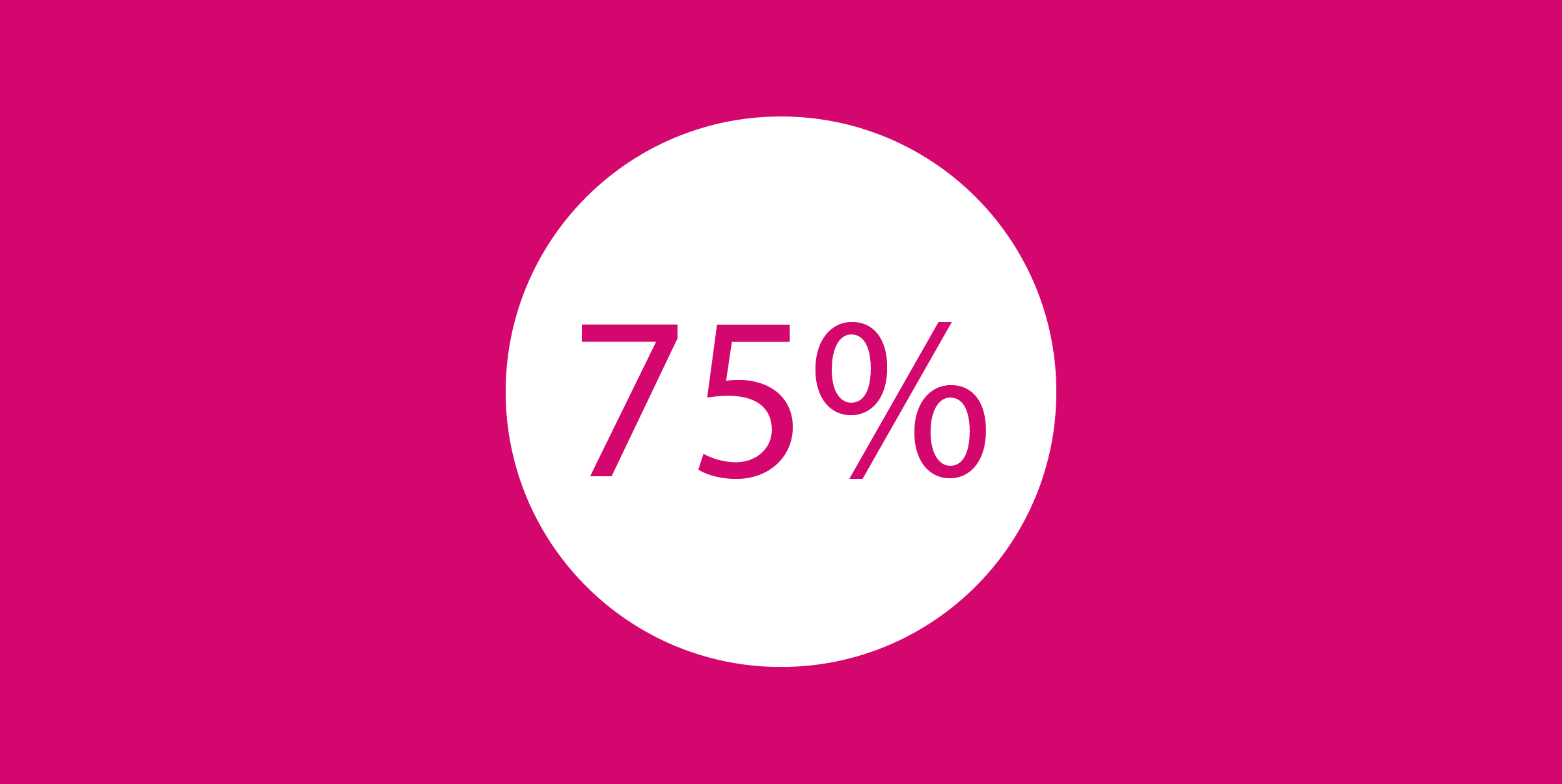
Time-to-competency
drops up to 75%.

Training becomes scalable and consistent globally.
Immersive Training Possibilities
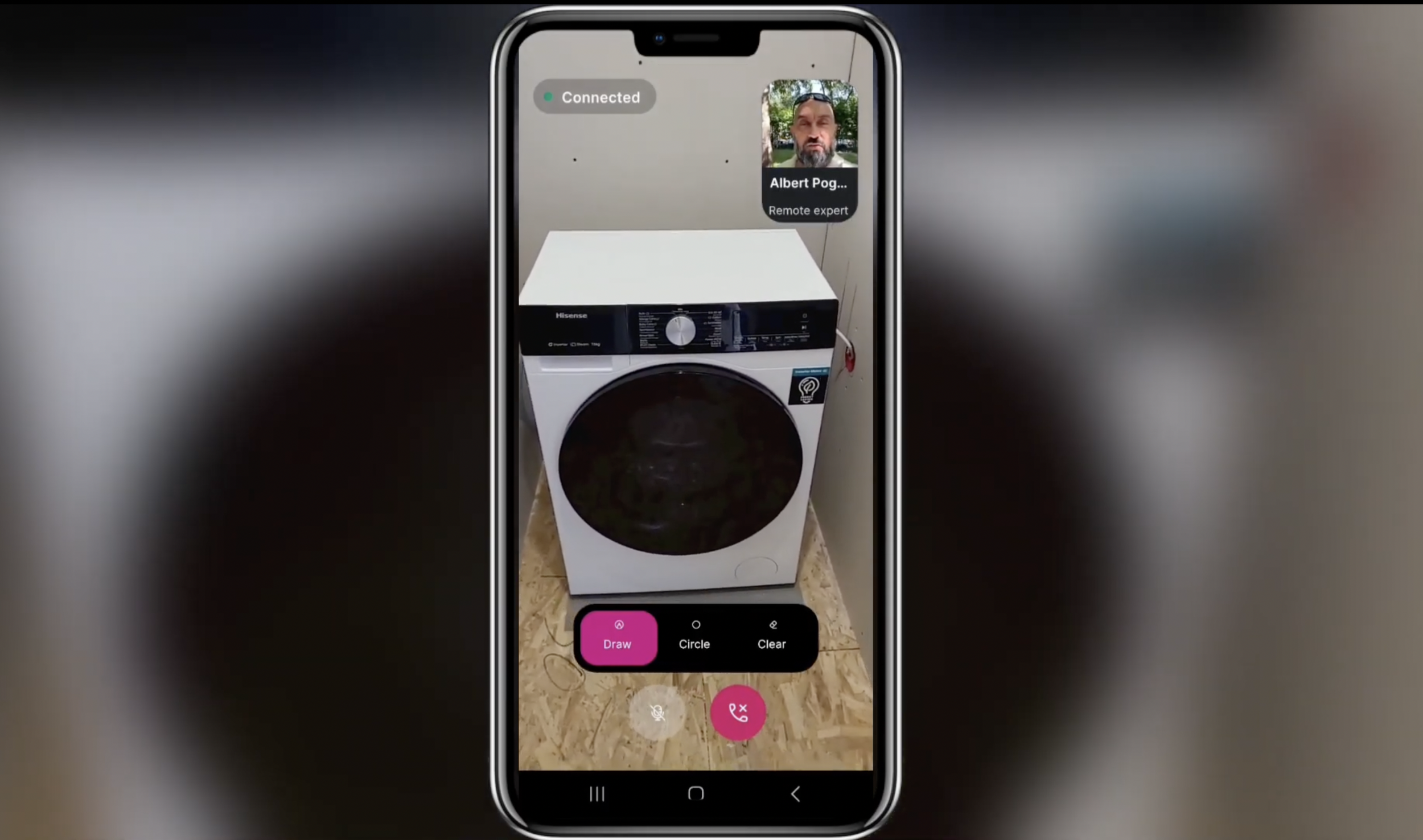
LiveOps & Remote Assistance
A real expert, on call, on site
Bring a live instructor or remote expert straight into an on-site task, answering questions and guiding your team in real time. They see the live camera feed, annotate directly on the screen, and stay until the job is done. Sessions are recorded and retained, so a fix that happened once can be reviewed later. One senior technician can cover a whole region without leaving the office.
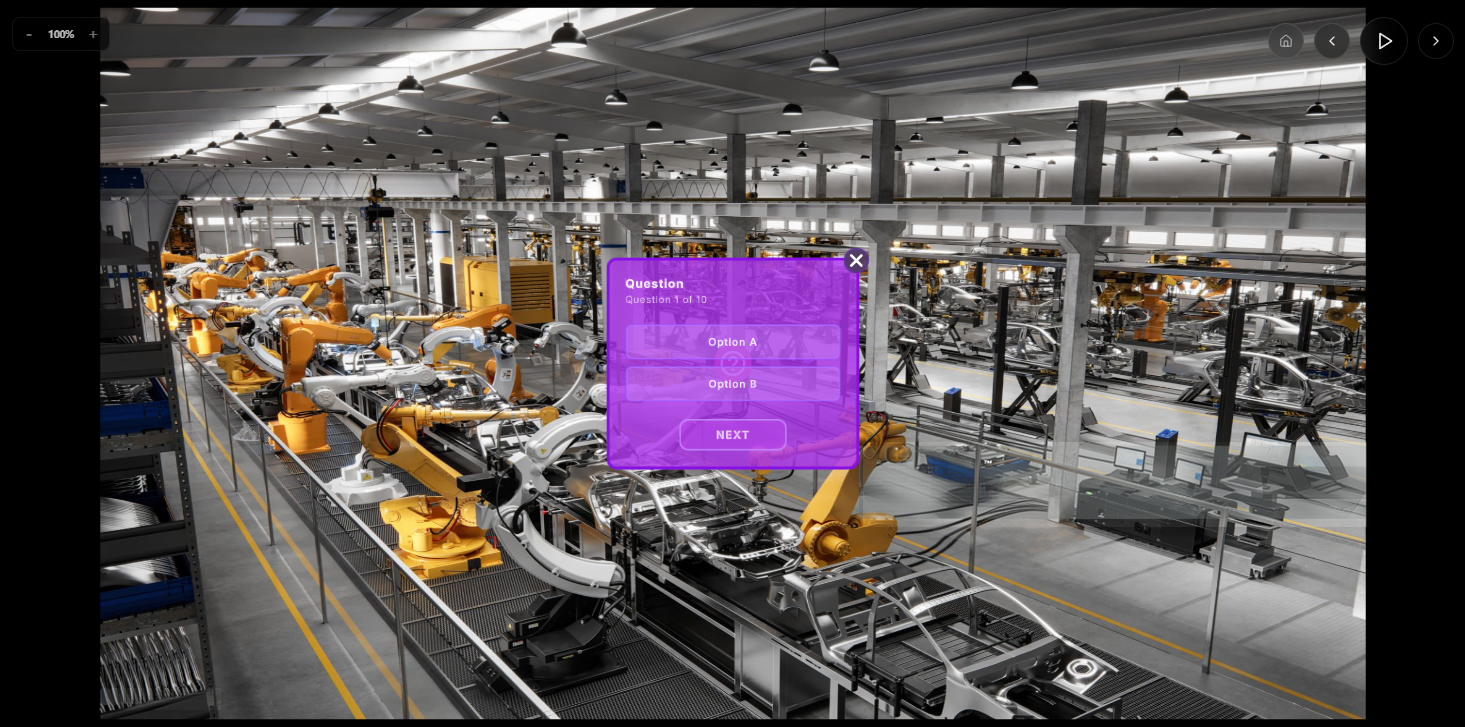
Immersive Lesson Design
360° content, video, photos, slides or pure text, your call
Build every lesson from whatever content you already have: 360° footage, traditional 2D video and photos, or standard slides and text. Mix formats within a single course, no VR headset required.
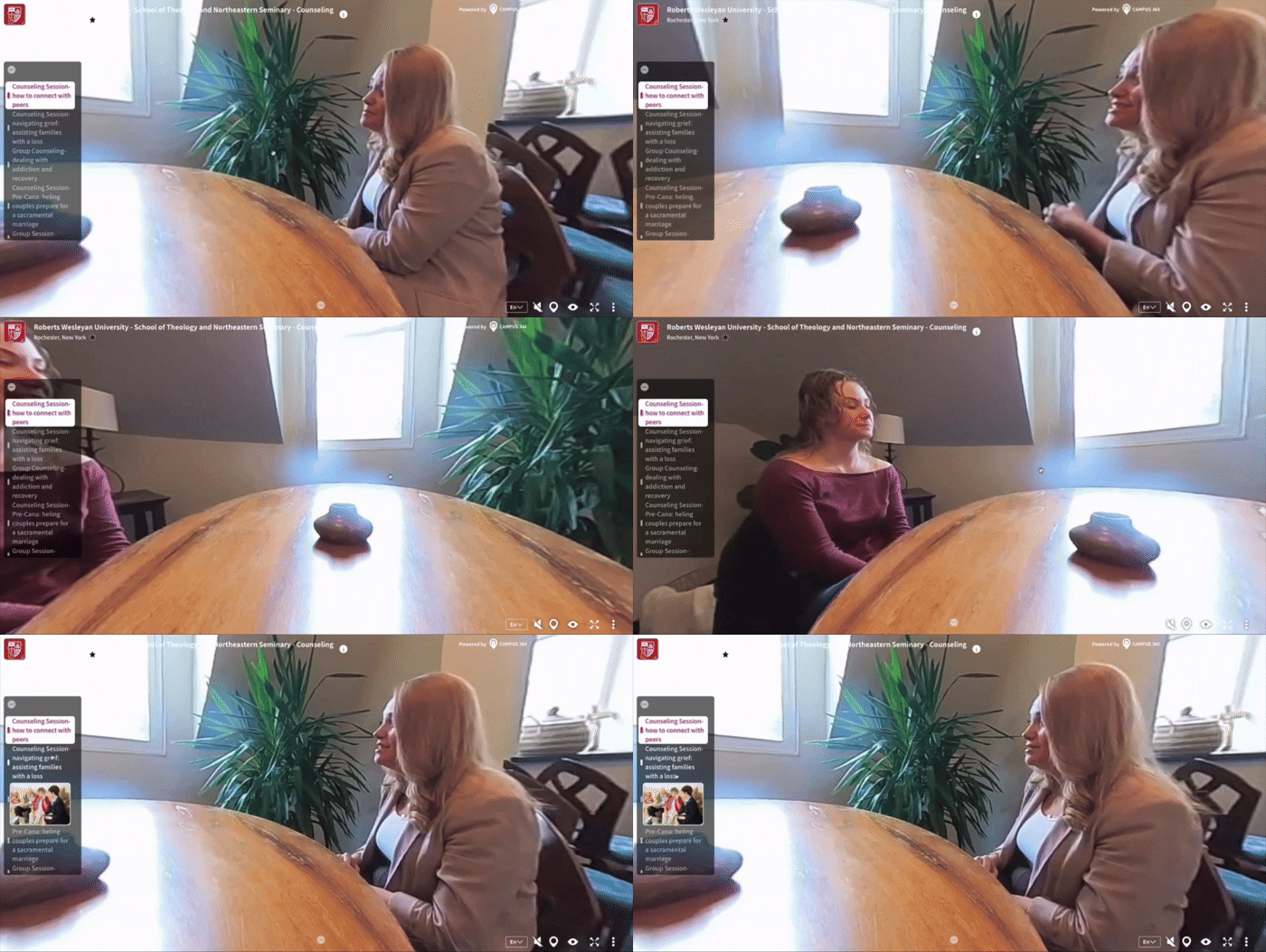
Pop-Up Content
The right info, right when it's needed
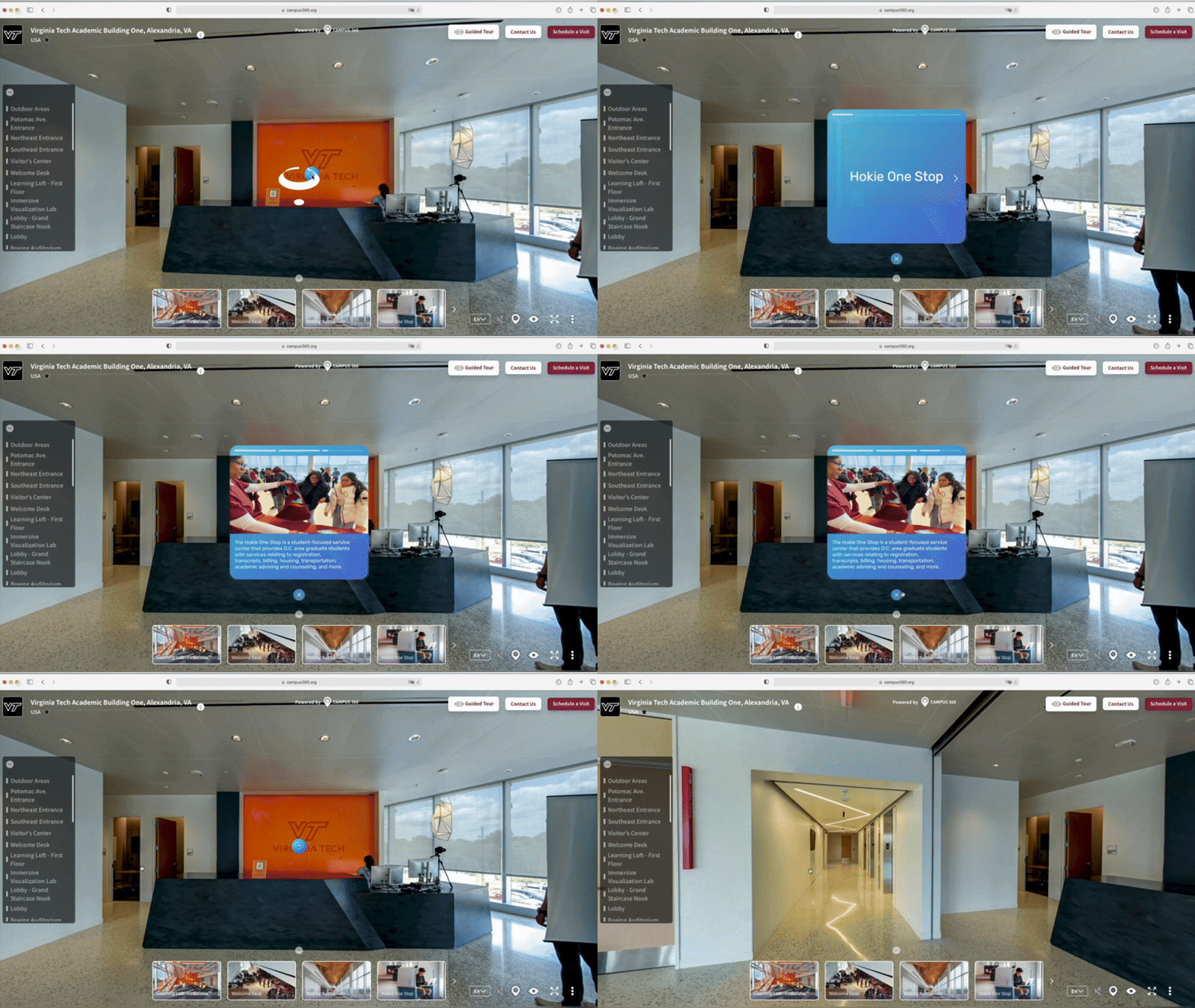
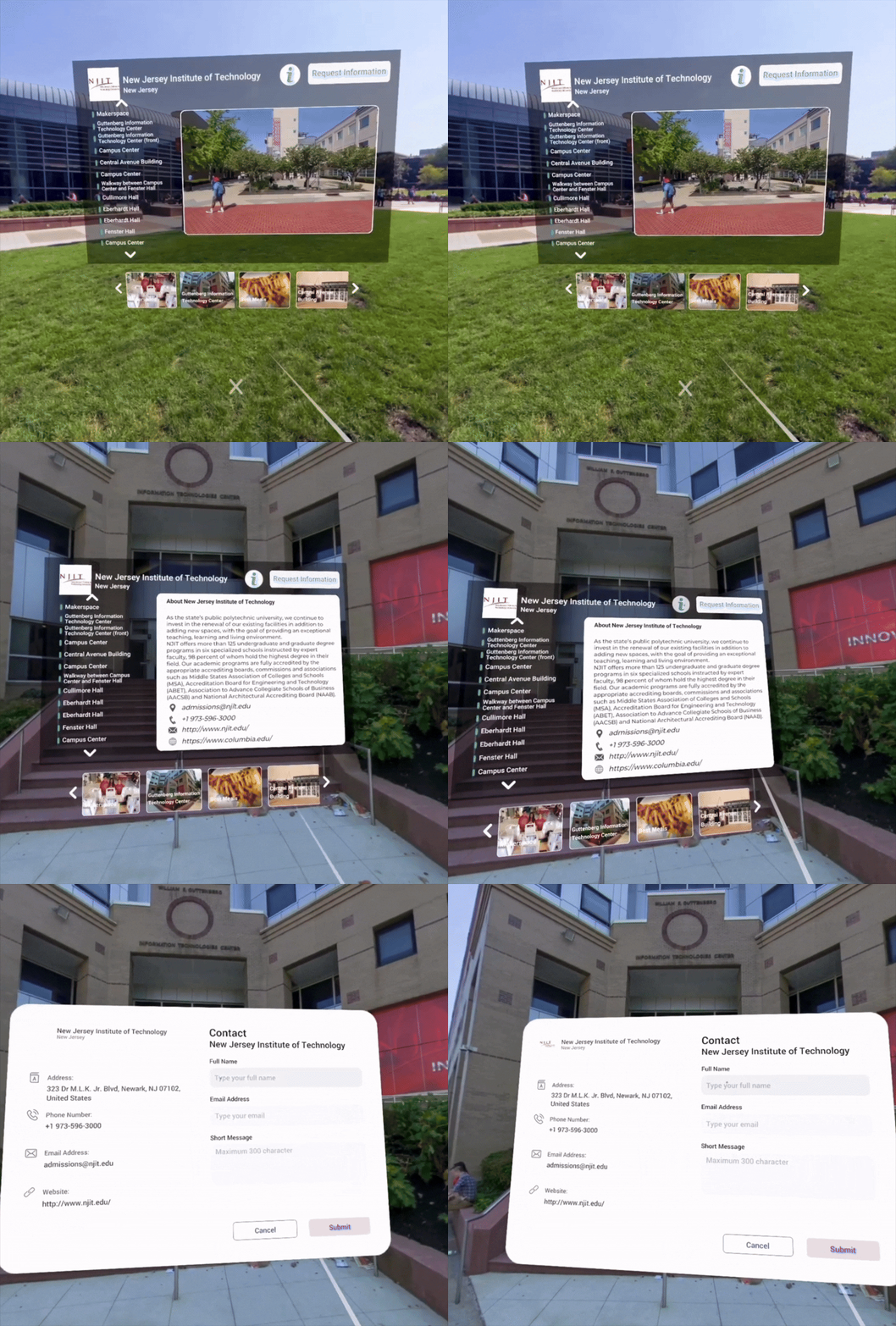
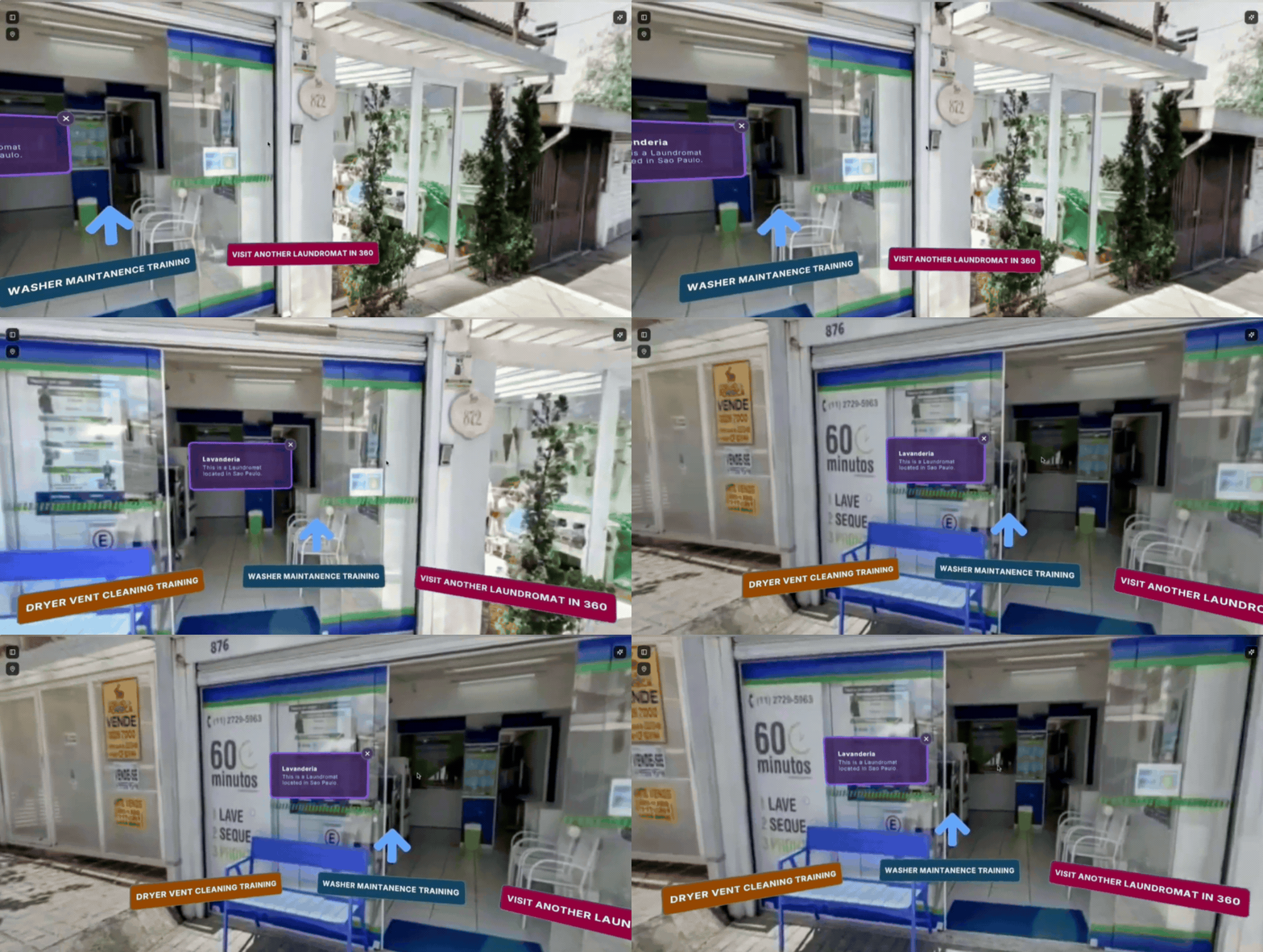
Layer in text, pictures and quizzes exactly where they matter. Pop-ups that explain a step, flag a hazard, or check understanding without breaking the flow of the lesson.
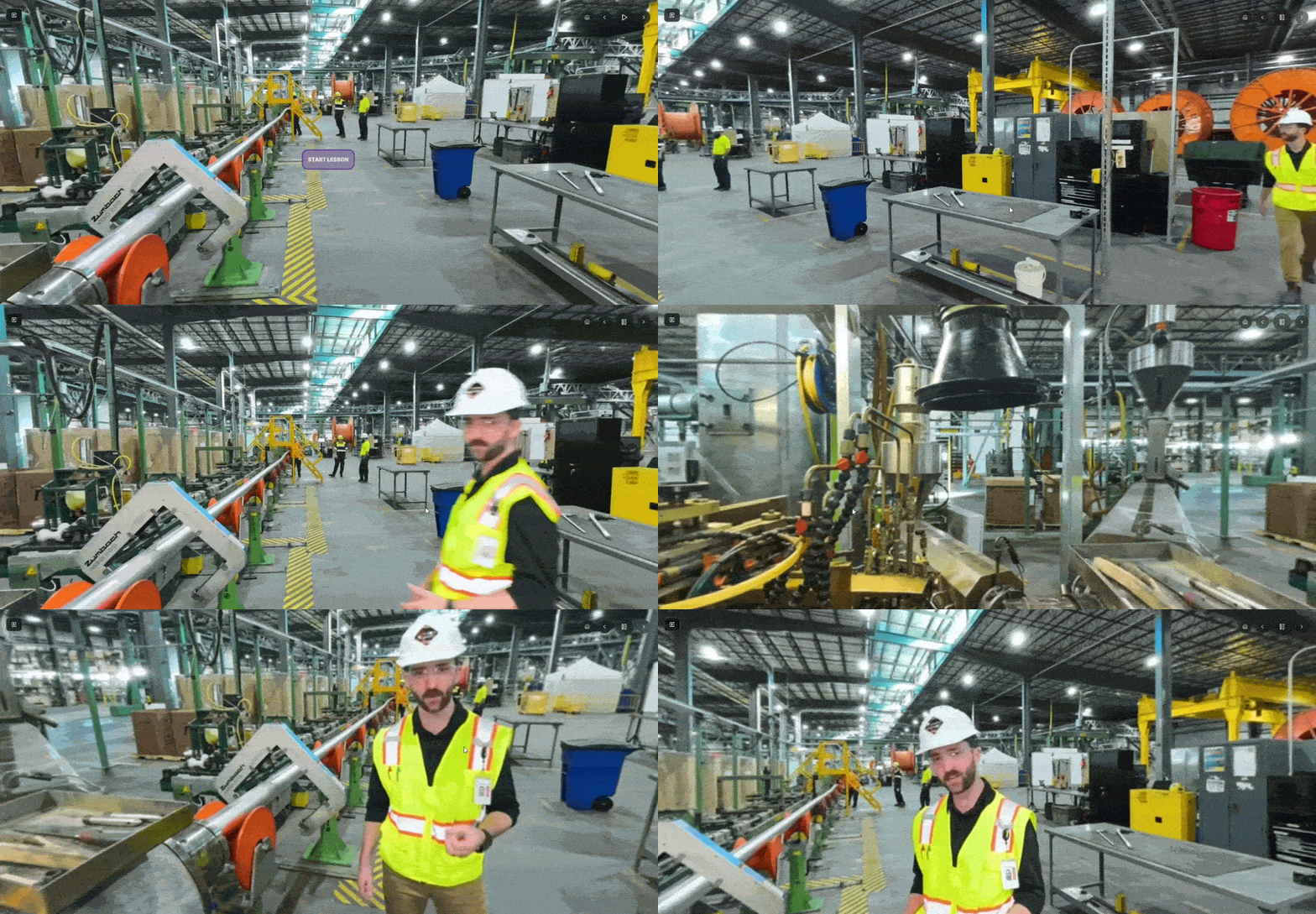
AI Creator & AI Assistant
From raw footage to finished lesson
Skip the blank page. The AI Creator helps generate training content from your footage and notes, drafting lessons and quiz questions so your team builds courses faster.
Learn More About The 360Works Platform
What We Offer
Learning Platform & Delivery
Deploy across your organization on the devices your people already use.
Runs on mobile, tablet and desktop, with VR optional
LMS integration and single sign-on
Enterprise security and role-based access
Analytics & Insights
Track what matters most: whether people finished, whether they understood, and where they got stuck.
Completion rates by module, team and location
Assessment scores and time to competency
Per-learner records, exportable or pushed to your LMS
360° Content Creation
Turn real environments into interactive training without writing a line of code.
Build guided tours, slideshows and branching scenarios from your own footage
Combine 360° media with narration, embedded slides and quizzes
Publish once and deliver to any browser or device
Engagement & Interactivity
Keep people moving through the material instead of clicking to the end.
Guided tours that lead learners through complex spaces step by step
Gamification with progress rewards and unlockable achievements
Live stream sessions delivered inside 360° environments
Benefits for Stakeholders

L&D Leads:
Faster time-to-competency
and measurable ROI.
Educators:
Easy creation and iteration
with data feedback.

Compliance Officers:
Track certifications and
mitigate risk.

Service Managers:
Fewer escalations and repeat visits, higher first-time fix rates.
Our Partners
Want it built for you?
Reality Ready Training’s studio captures your sites, scans your equipment, builds interactive 3D models and produces the courses for you.

Getting Started
Book a free demo to see 360Works in action.
Choose your workflow: self-upload or full production support.
Launch & scale: deploy globally, track data, iterate for impact.
Ready to Transform Learning?
Contact us at contact@rrtraining.org to discuss your immersive learning goals and explore how 360Works can scale impact across your organization.
