


LiveOps & Remote Assistance
An expert on the line when it counts
When someone hits a problem the course didn't cover, they open a live session from the same app. A remote expert sees their camera feed, annotates directly on their screen, and stays on until it's resolved. One senior technician can cover a whole region without leaving the office.
How It Works
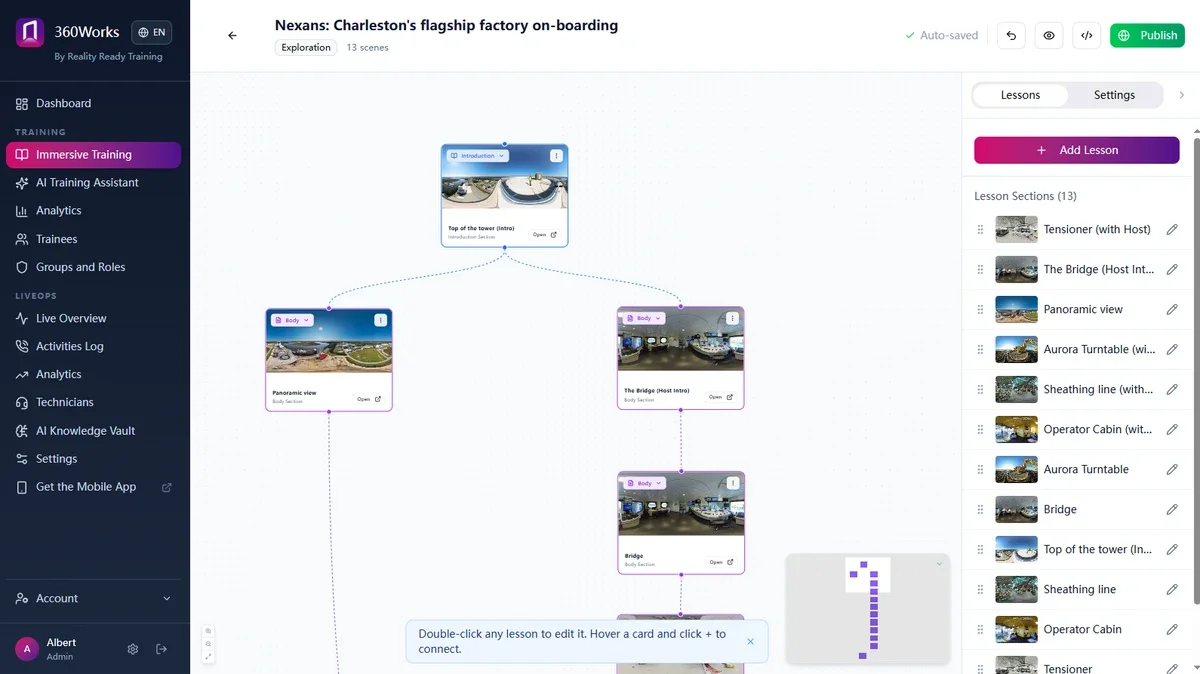
A learner or technician opens a session from inside the training they're already using. Nothing separate to install, no new login.
Start from the Course.
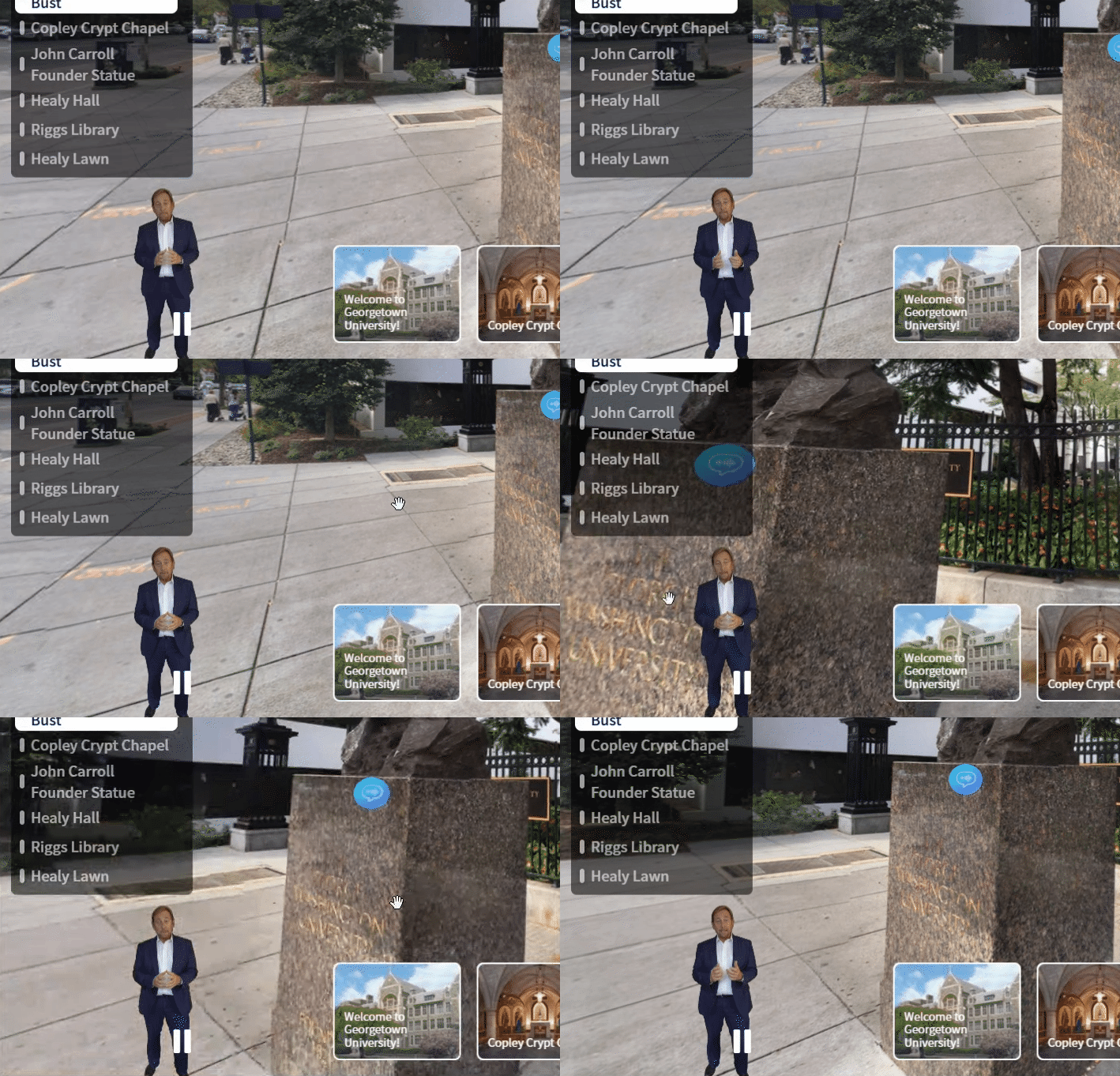
Draw on the live feed.
The expert marks up what the camera is pointing at, so "that valve" means a specific valve rather than a description over the phone.
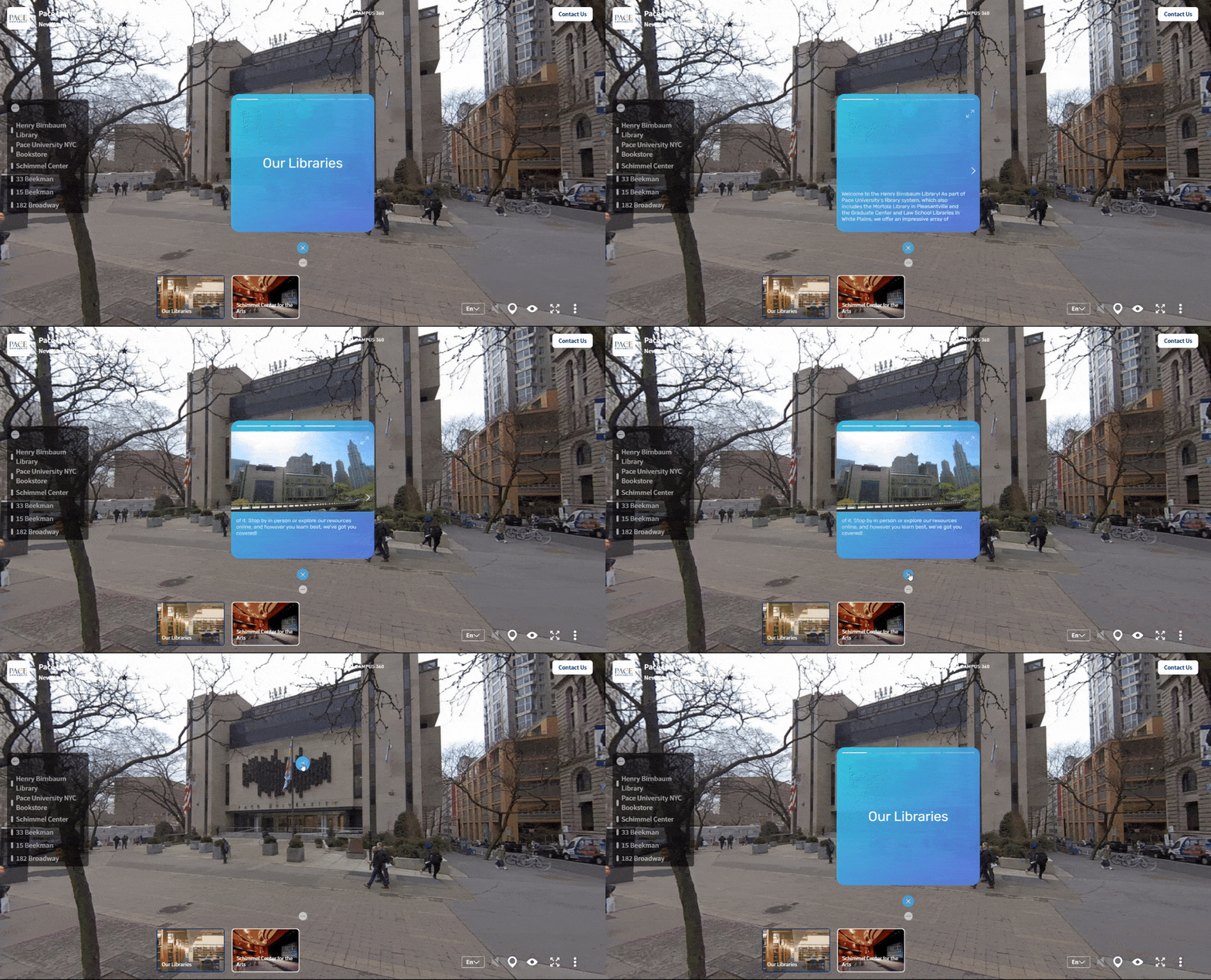
Annotations stay attached to the equipment as the camera moves, rather than floating off when someone shifts their grip.
Anchors that hold.
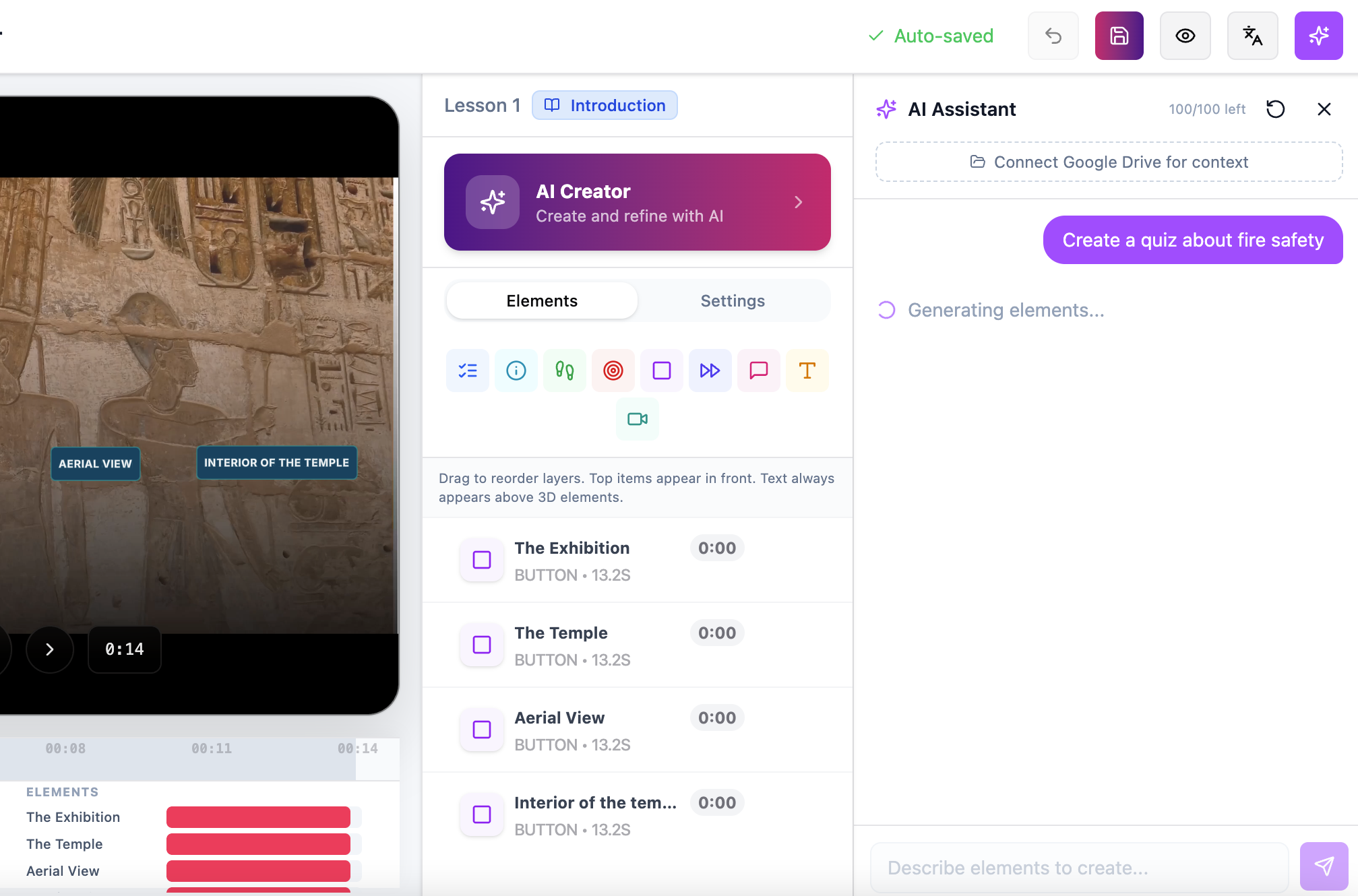
Ask the AI first.
The field diagnostic answers from your own documentation before a human is needed, so live sessions are spent on the problems that actually require one.
Sessions are recorded and kept, so a fix that happened once can be reviewed later.
Recorded and retained.
Use Cases
Distributed Teams
One expert covers every region instead of traveling to each one.
New Technicians
The person who would have shadowed a senior colleague for a month can call one instead, for the ten minutes it actually takes.
Clinical and Lab Settings.
A specialist joins from elsewhere when an unfamiliar procedure or instrument comes up.

Field Service
Fewer escalations, higher first-time fix rates, and fewer trucks rolled for problems that turn out to be simple.
What's Included
Available as an add-on to any plan, and included in Enterprise. On Enterprise:
• 32,000 interactive AR live video session minutes per technician
• Custom session recording and retention
• Persistent spatial anchoring
• AI field diagnostic
• Hosting and analytics
• Dedicated support manager
AI on your terms
Your models. Your keys. Our orchestration.
The AI agents, context engine and training assistants run on your own API key. We provide the system prompts and the orchestration. You pick the model.
Try it on your hardest call.
Tell us about your field team and the faults that generate the most escalations, and we'll show you what a session looks like.