


360Works Features
360Works turns the media you already have into interactive courses: 360° footage, standard video, photos and slides, with pop-ups, quizzes and completion tracking layered on top. Build it yourself in the browser, publish to any device, and see who completed what.
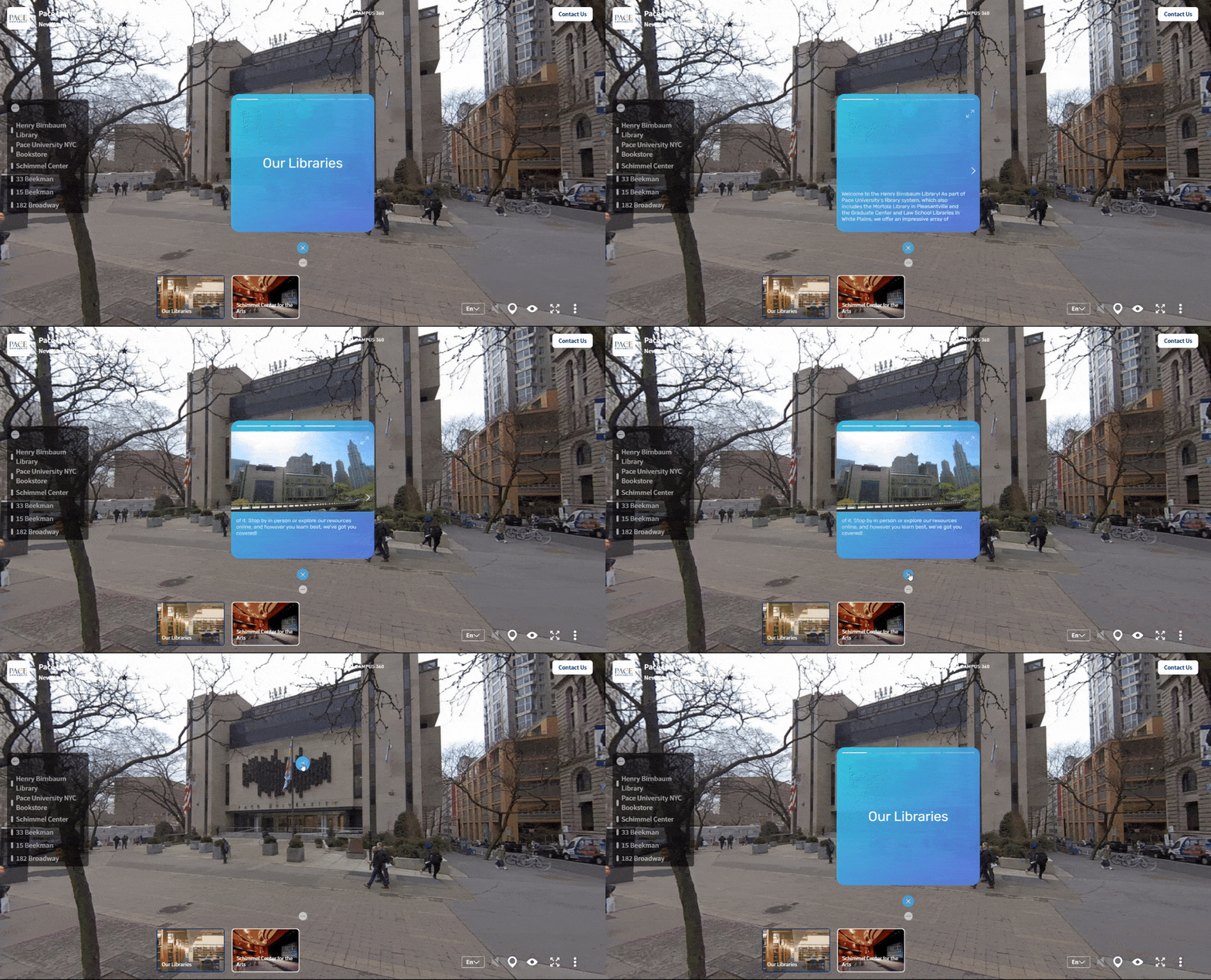
Story Pop-Ups are the easiest way to provide the informational content for your training, including text, photos, videos, audio narration, and even interactive links.
Story Pop-Ups
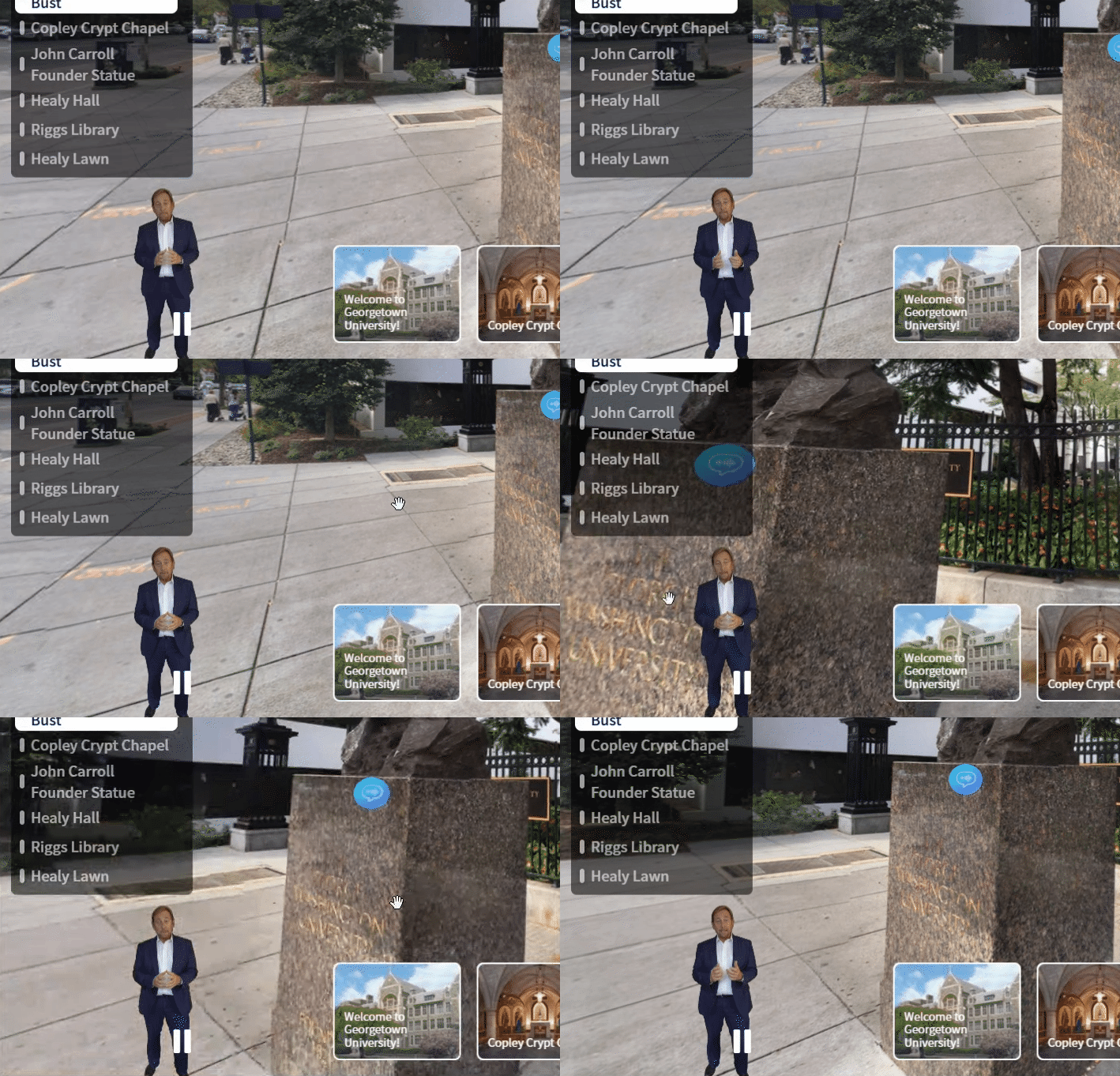
Greenscreen Guides
Looking for a more personal touch? Greenscreen Guides place a prerecorded member of your team into your 360 training, providing informational content with the human feel of an instructor.
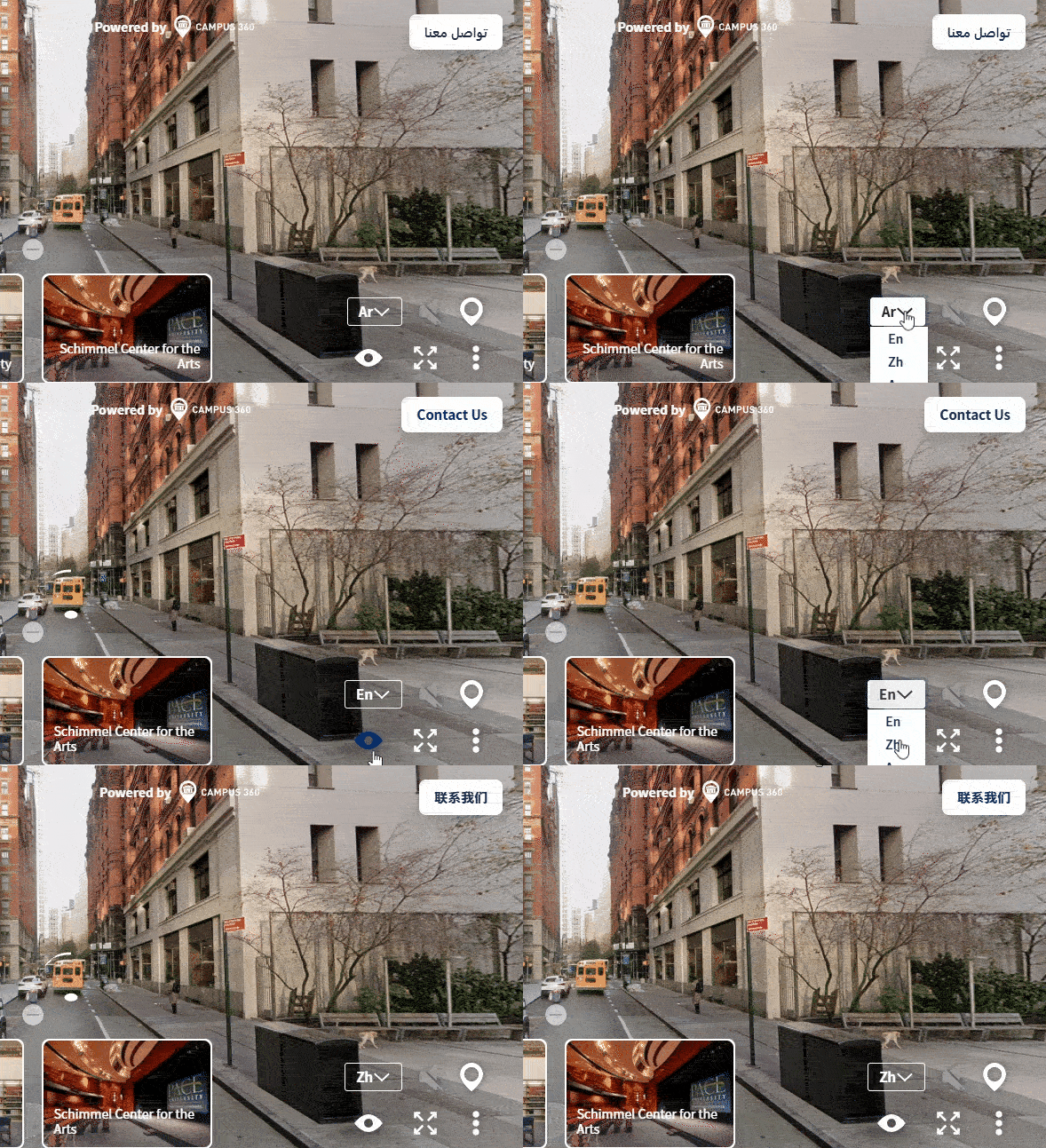
Multi-Language Functionality
Allow users from around the world and from across all backgrounds to access your courses with full multi-language support.
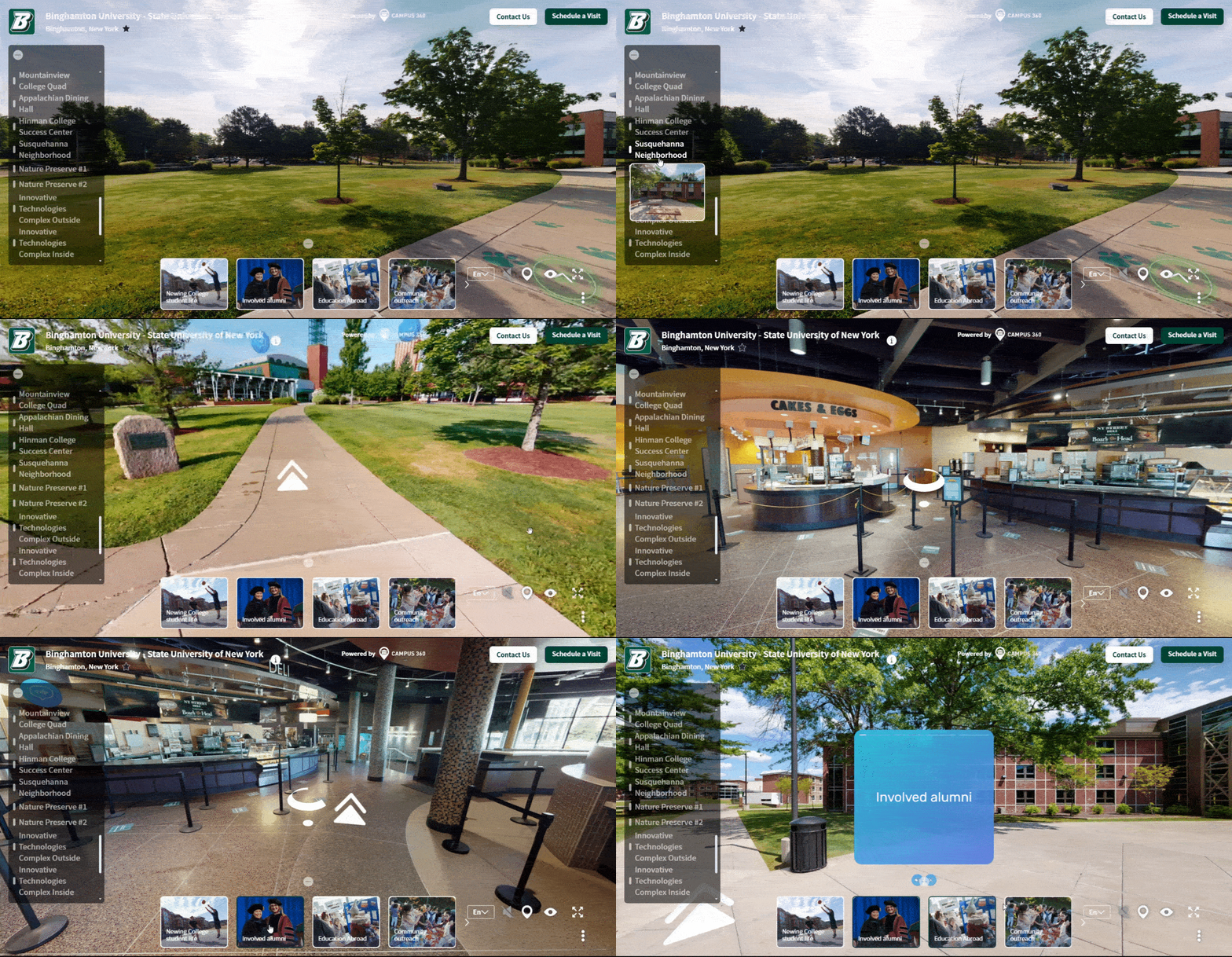
Customized Pathways
Want to create specific routes through your 360 Training? 360Works offers multiple ways of curating your content. Yellow Brick Roads allow you to create routes from one location to another using customized or color-coded arrows. With slideshows, you can create a custom link that brings users from one story to the next, generating a custom, informative tutorial guide. Keyword Tours allow users to select which topics they’re interested in and create custom slide shows between stories based on the specific keywords they’ve selected.
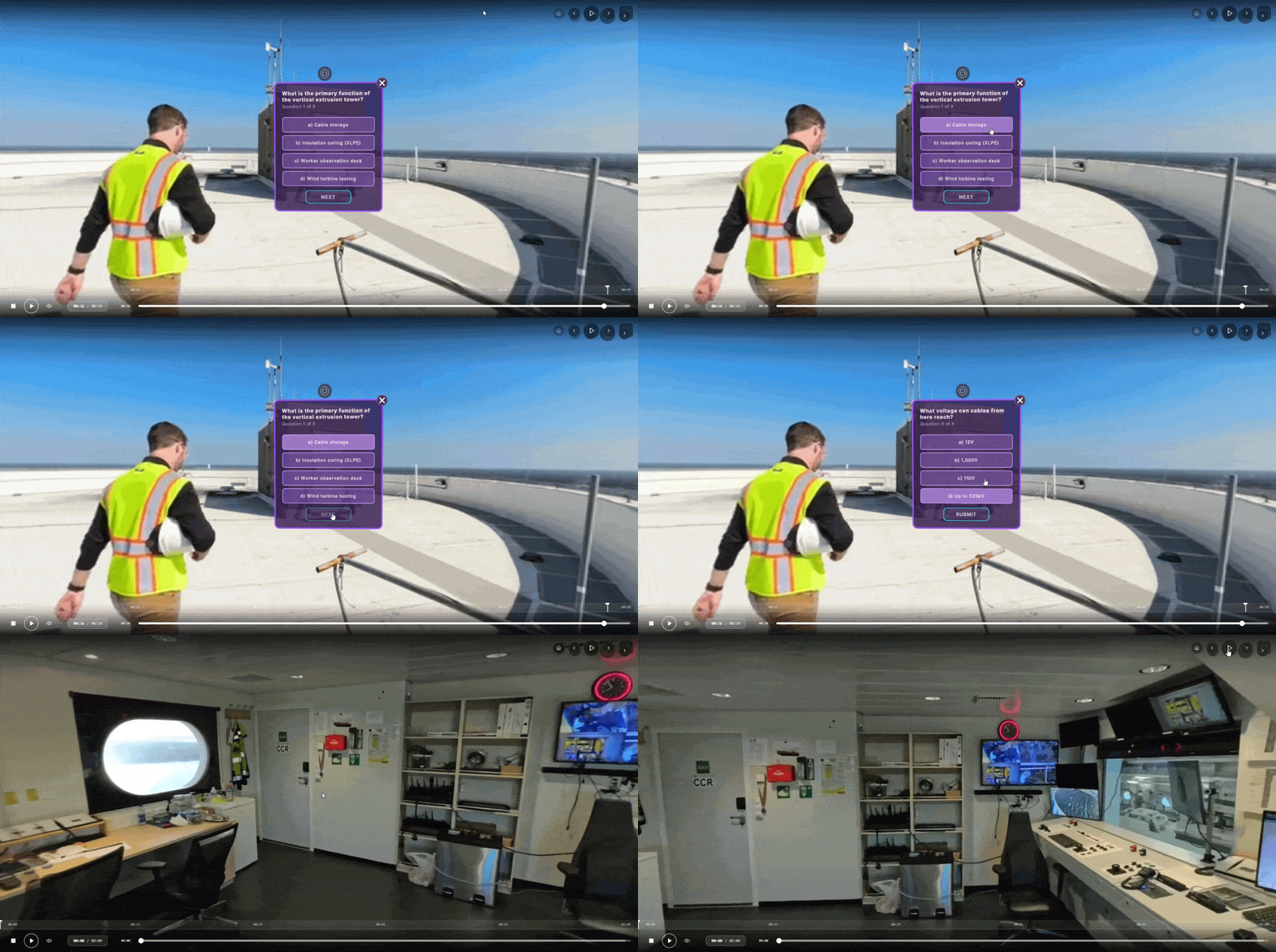
Quizzes & Gamification
Looking to bring your 360 Training to the next level? Build out custom quizzes and scavenger hunts that not only allow your instructors to evaluate learner progress, but create a fun, gamified experience for users, emphasizing enjoyment and boosting learning outcomes.
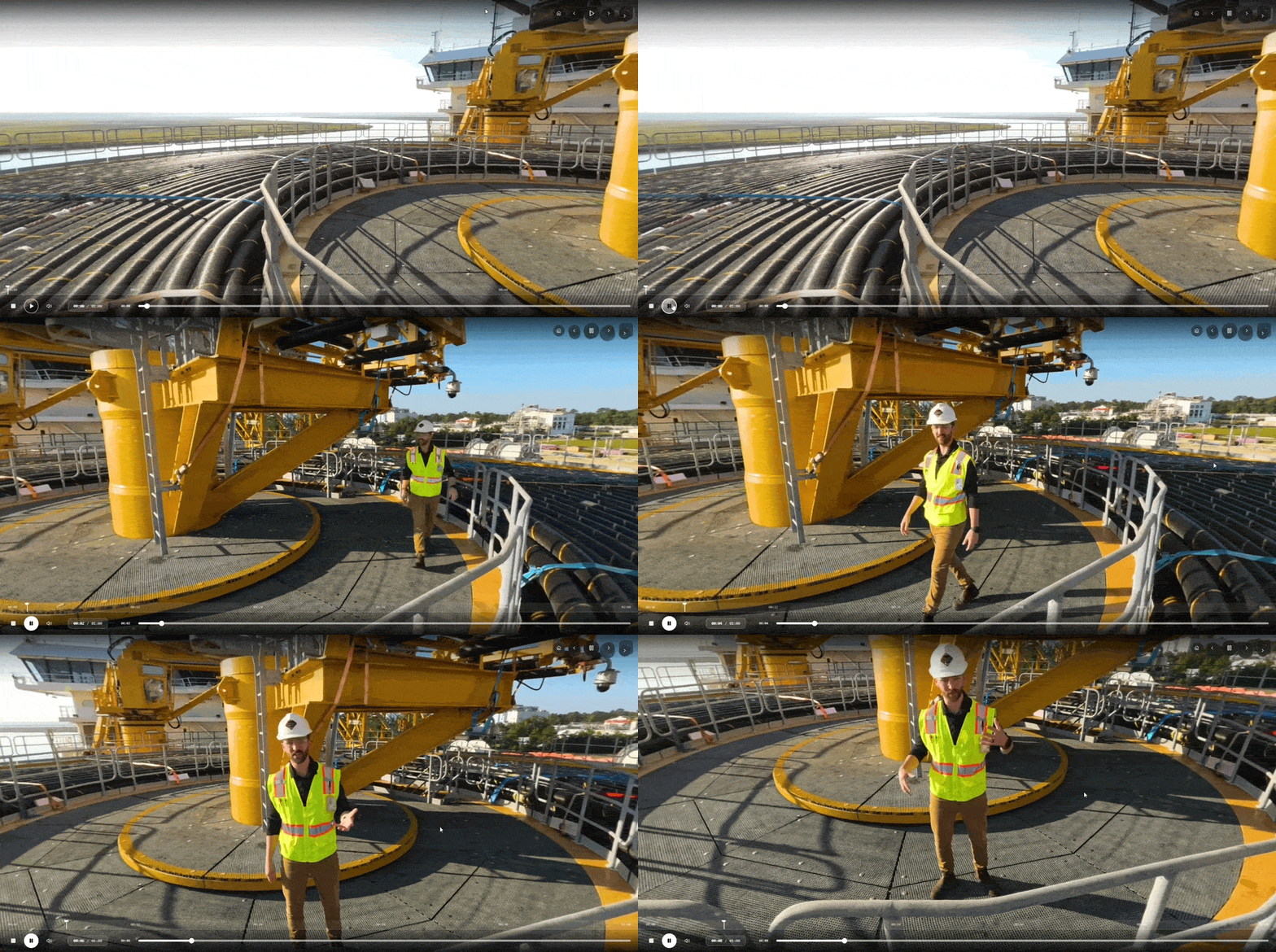
Live Training
Turn your 360 Training into a classroom with Live Training. Instructors and learners join the tour together for a curated, hands-on experience that allows instructors to teach lessons and answer questions in real-time from within the 360 Training platform. Live Training brings an instructor into a course with a group of learners. For one-to-one help during live work, see LiveOps & Remote Assistance.
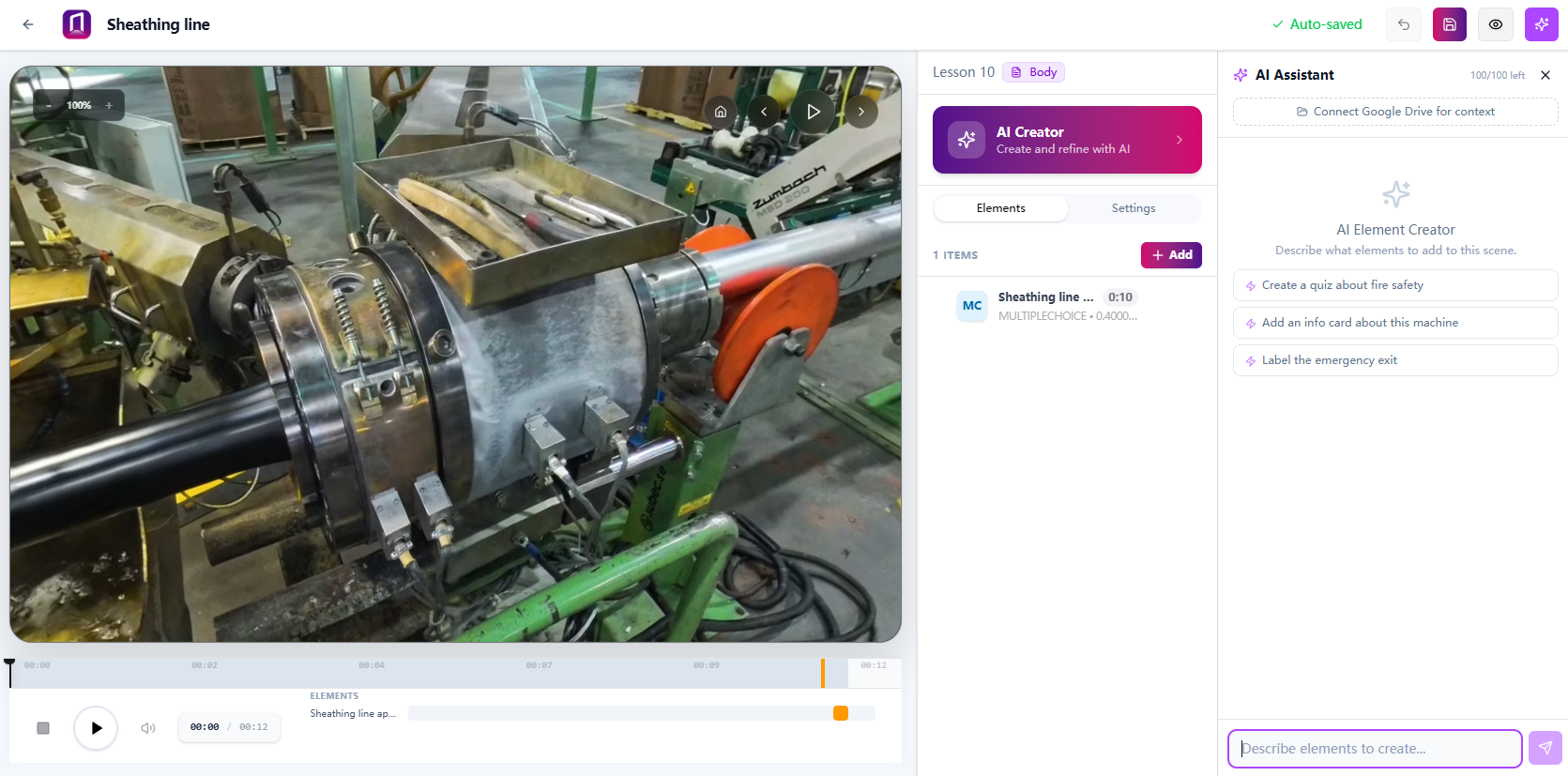
AI Assistants
Our team builds custom AI agents that offer information, guidance and live feedback across industries and scenarios. These range from simple agents answering frequently asked questions to fully personified characters serving as a simulated interaction, a stand-in patient, an admissions guide or an assistant helping constituents find housing.
Agents run on your own API key. We provide the system prompts and orchestration. You pick the model.
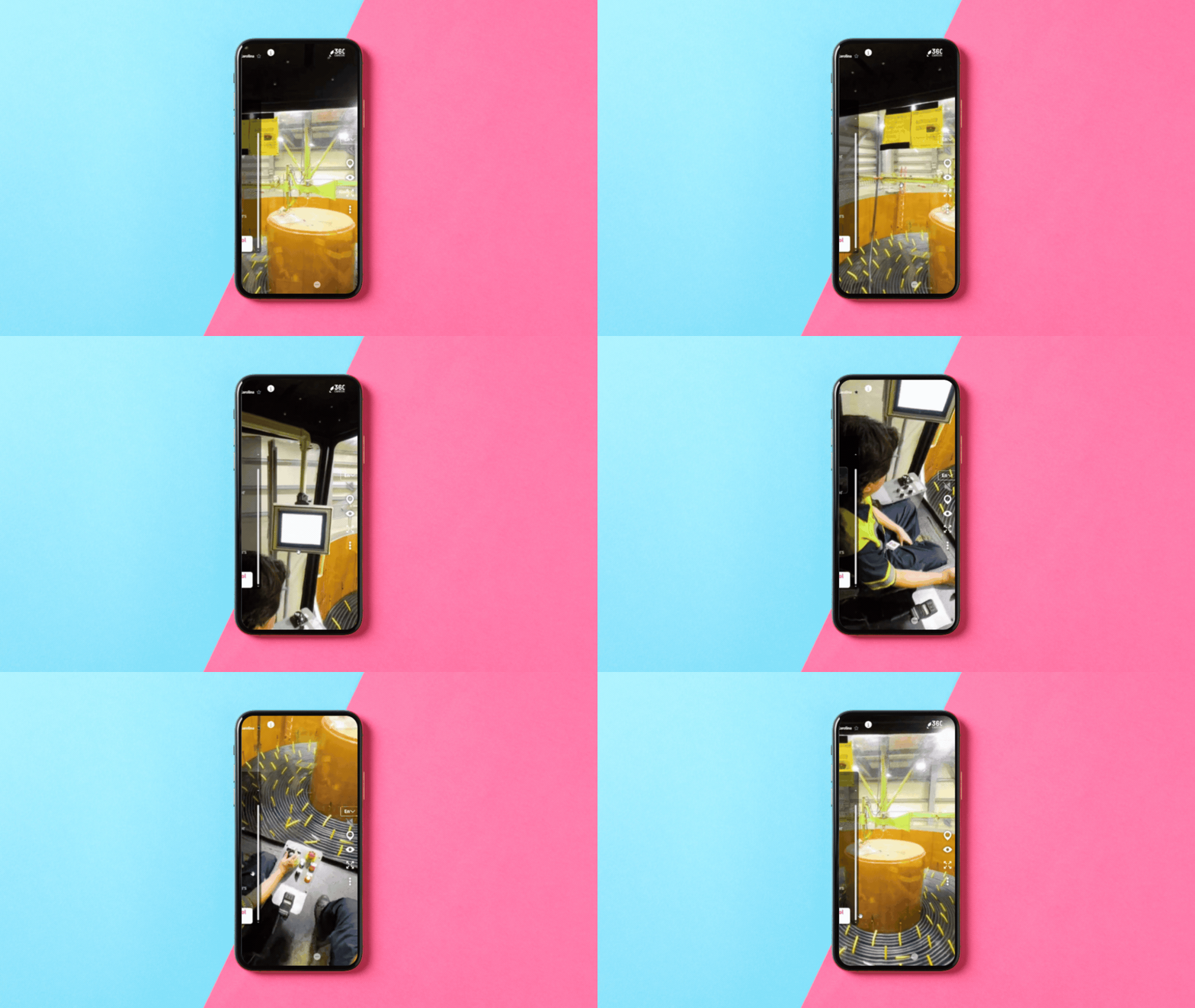
Cross-Platform Delivery
Your training is built to be viewed anywhere, on any device. Desktop, tablet and mobile browsers, with VR and AR hardware supported for teams that use it. No optimizing or recreating content for each new device.
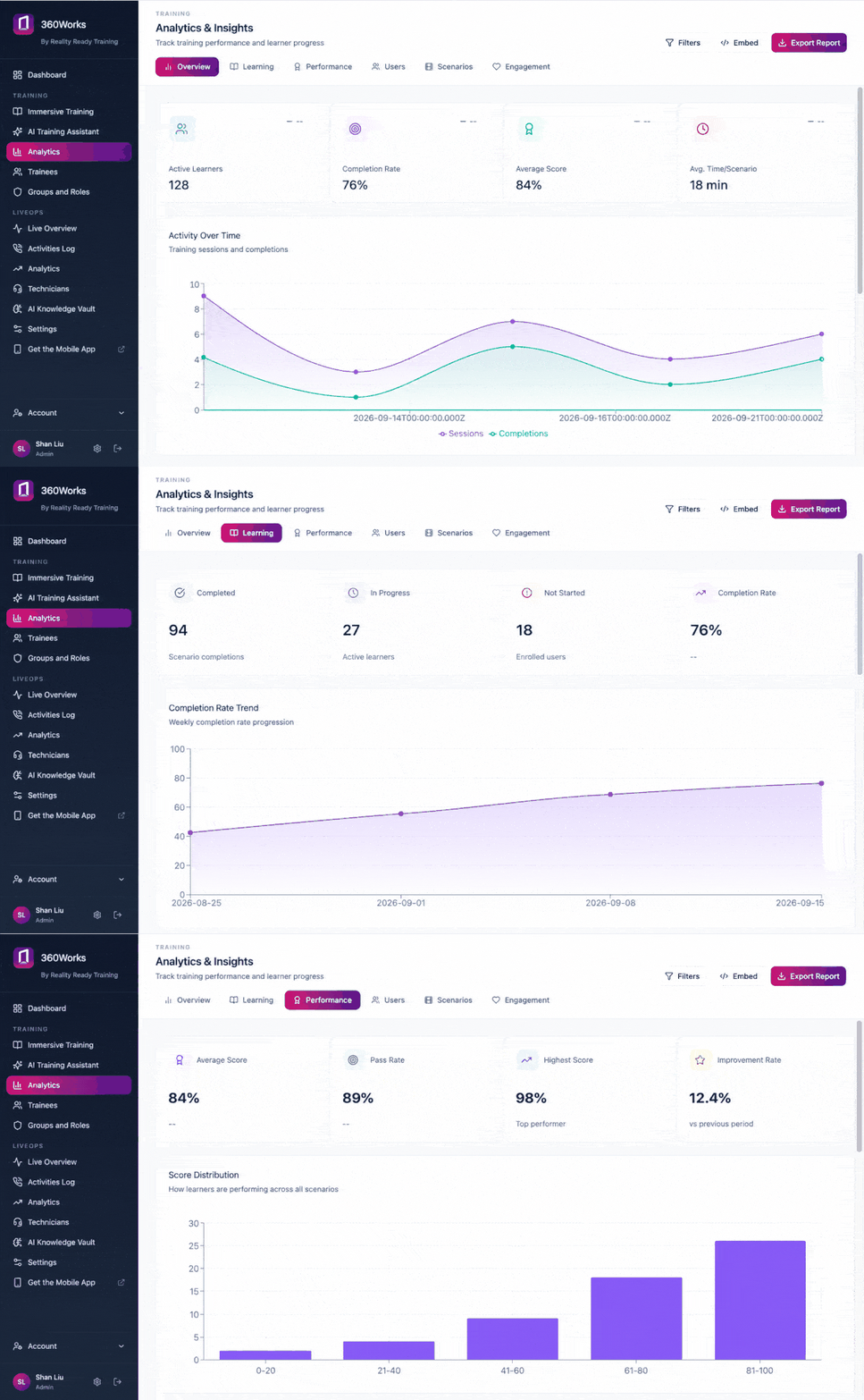
Analytics & Tracking
See who completed each module, how they scored, where learners drop off and which steps get replayed. Export per-learner records or publish to SCORM for your existing LMS.
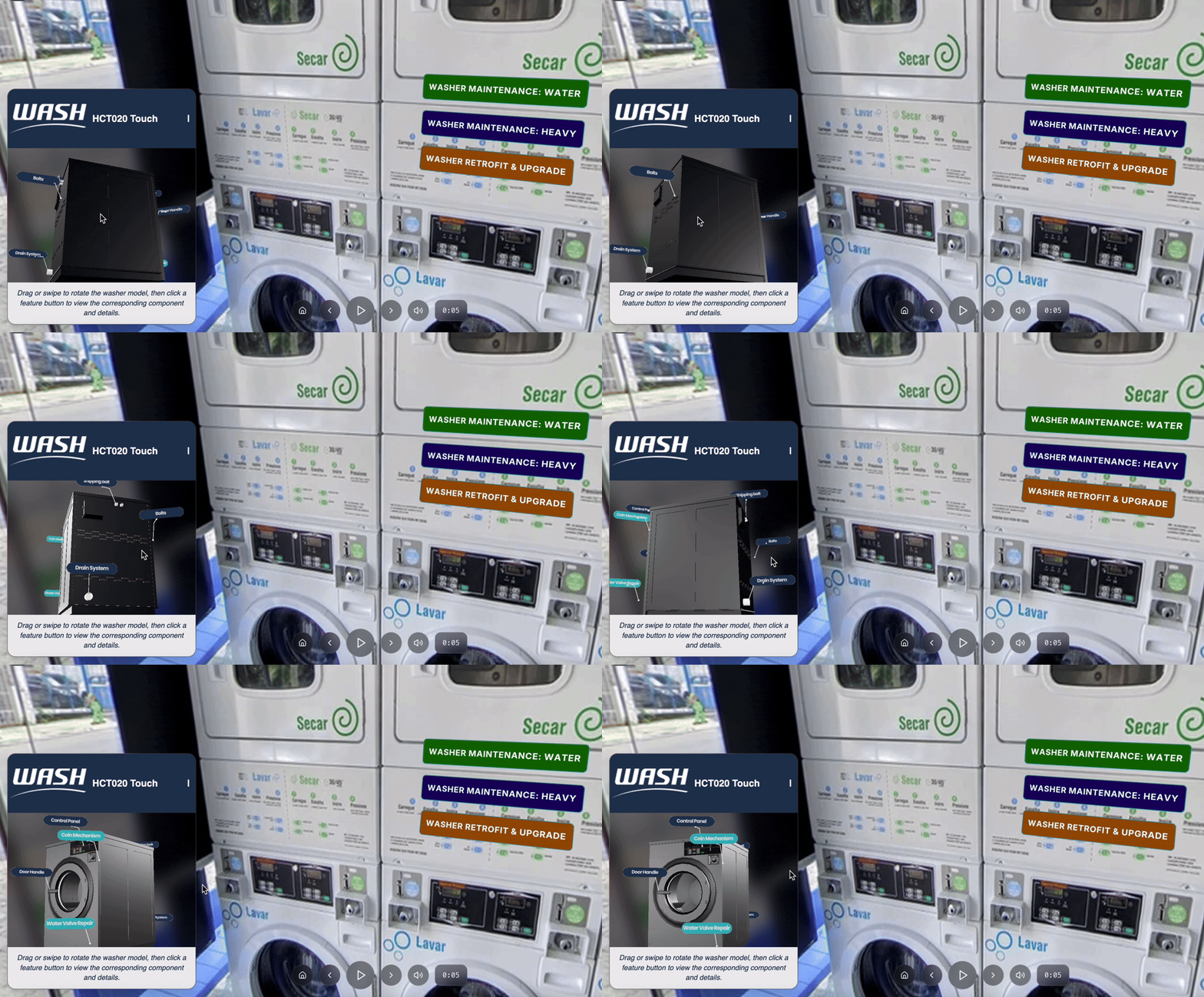
3D Models
Bring interactive 3D into a course: assemblies learners can rotate, explode and reassemble, with content attached to individual parts. Models are produced with our studio from scans of your own equipment.
Learn More About 360Works Features
360 Degree VR Video and Photos
Slideshows
Custom 3D Models
Live Stream
Guided Tours
Gamification
Augmented Reality Cards and Brochures