

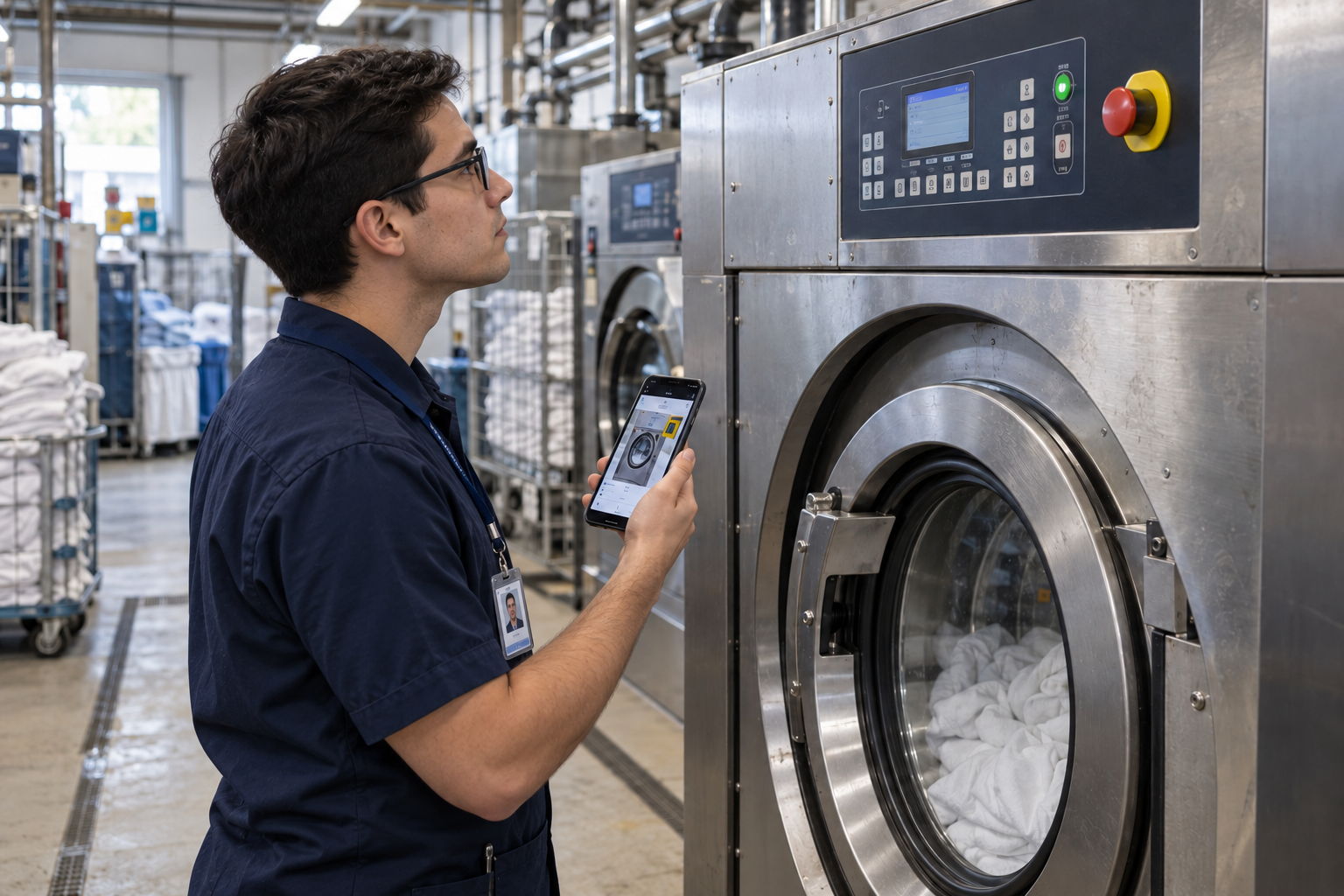
NEW HIRE ONBOARDING TRAINING
Your site, before their first day.
Build a structured onboarding program from your own sites and procedures. The same program at every location, on any device, with an AI assistant answering questions whenever people come back to it.
The Problem
Onboarding usually means a slide deck, a stack of PDFs, and a week of trailing a senior colleague around the site. The deck gets skimmed, the walkthrough happens once, and the questions come back for months.
of employees strongly agree their organization does a great job of onboarding
feel undertrained after onboarding
80% of them plan to leave soon
higher three-year retention at organizations with a structured onboarding program
Source: Gallup; Paychex; SHRM.
What You Build for Onboarding
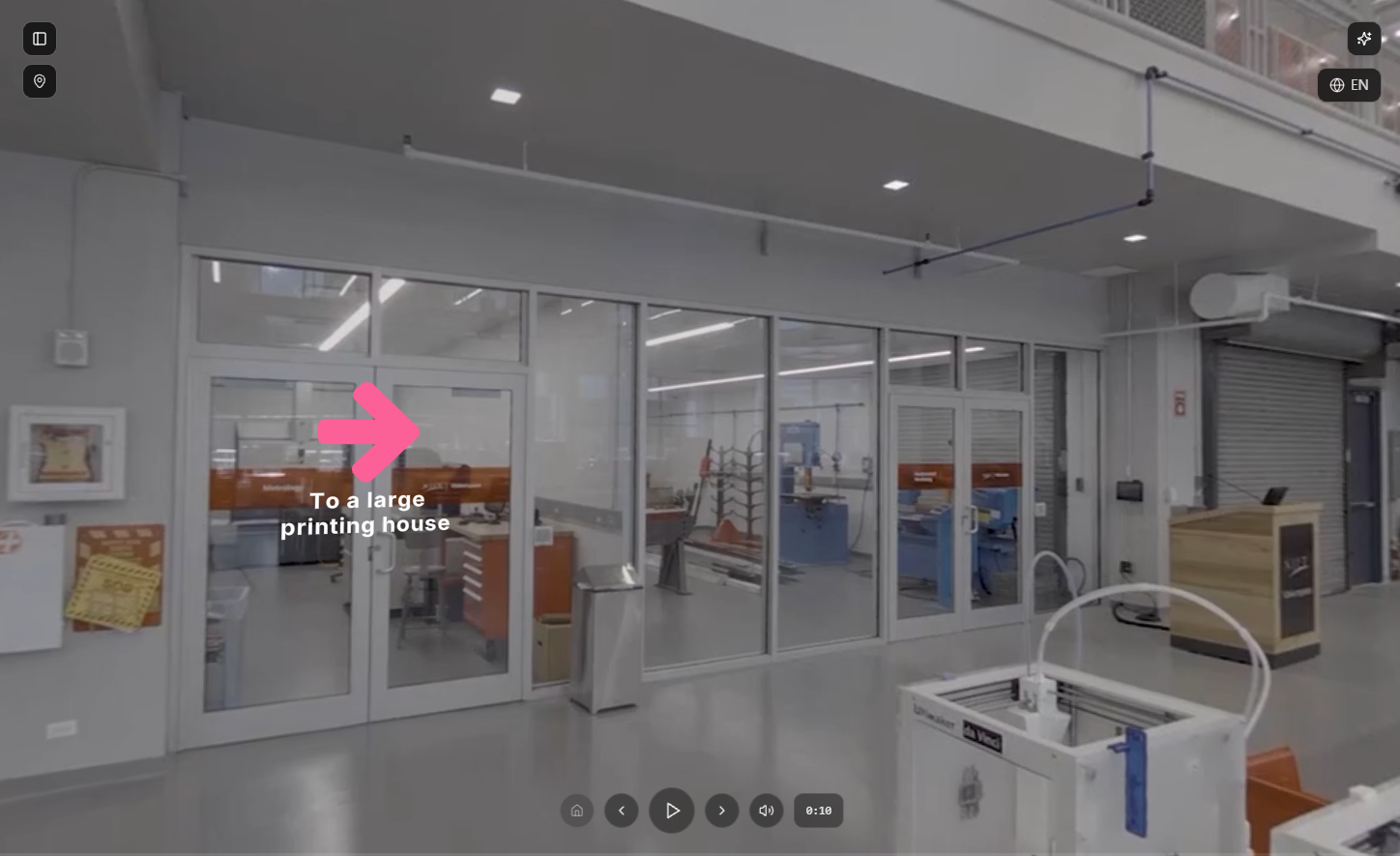
A walkthrough people take before they arrive.
Film the site once, with a phone or a 360° camera. New hires explore it before their start date.
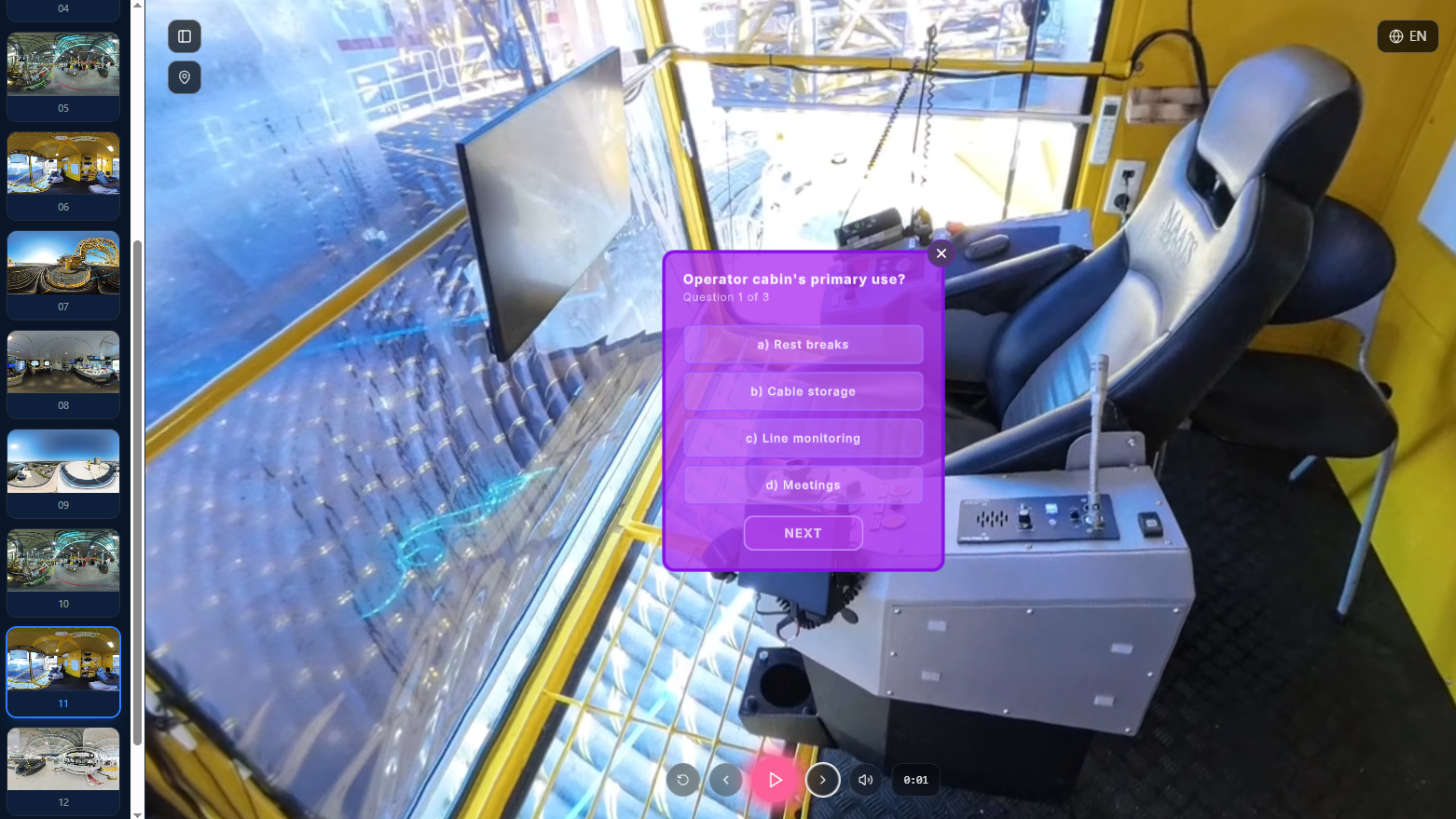
Lessons with questions in them.
Layer explanations, photos and quizzes onto the footage at the points where they matter, so you know what landed.
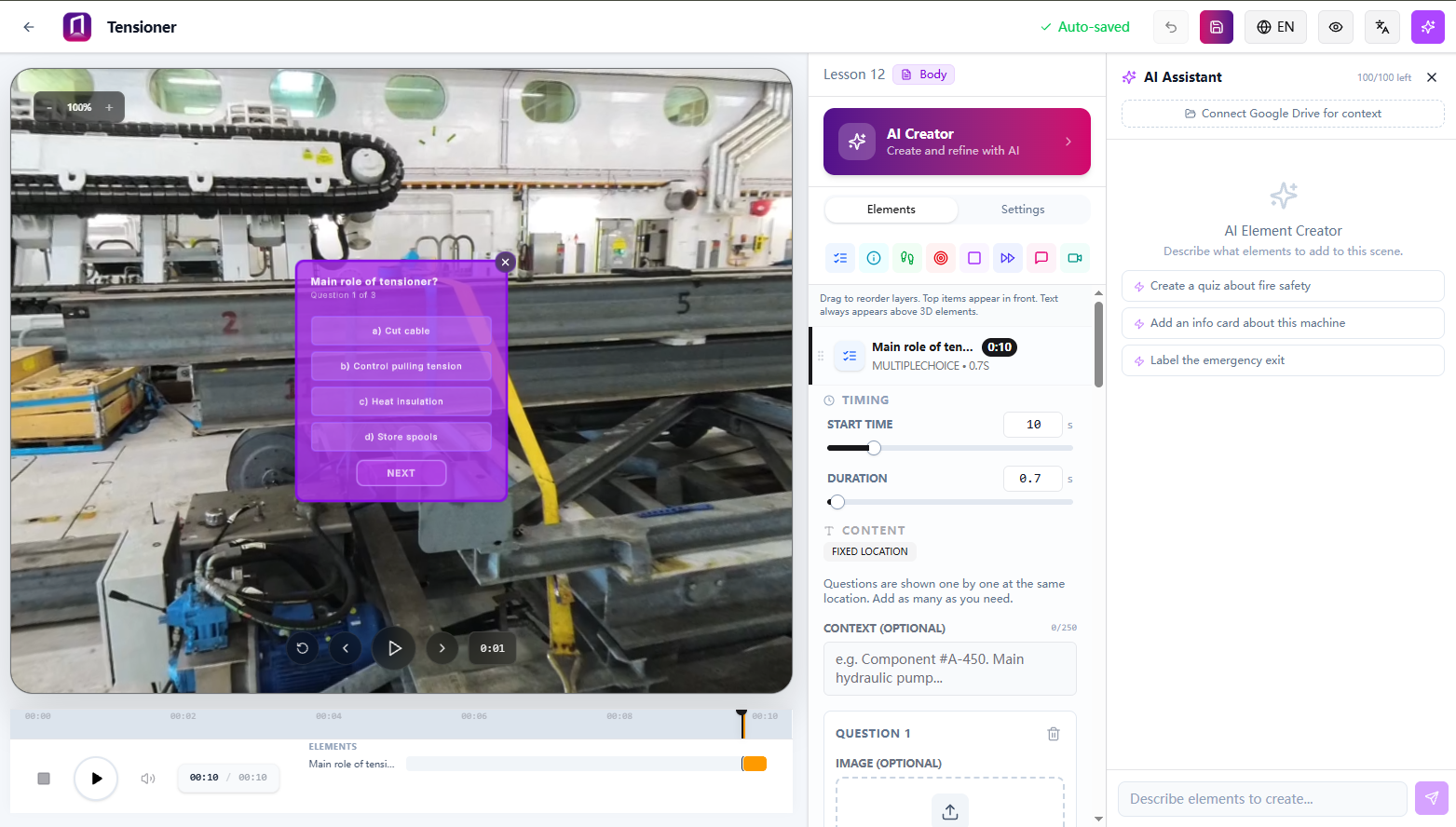
Courses with as much AI support as you want.
Build from scratch, or start with AI Creator. Hand it your footage and documents and it drafts the steps and writes the quiz questions for your review.
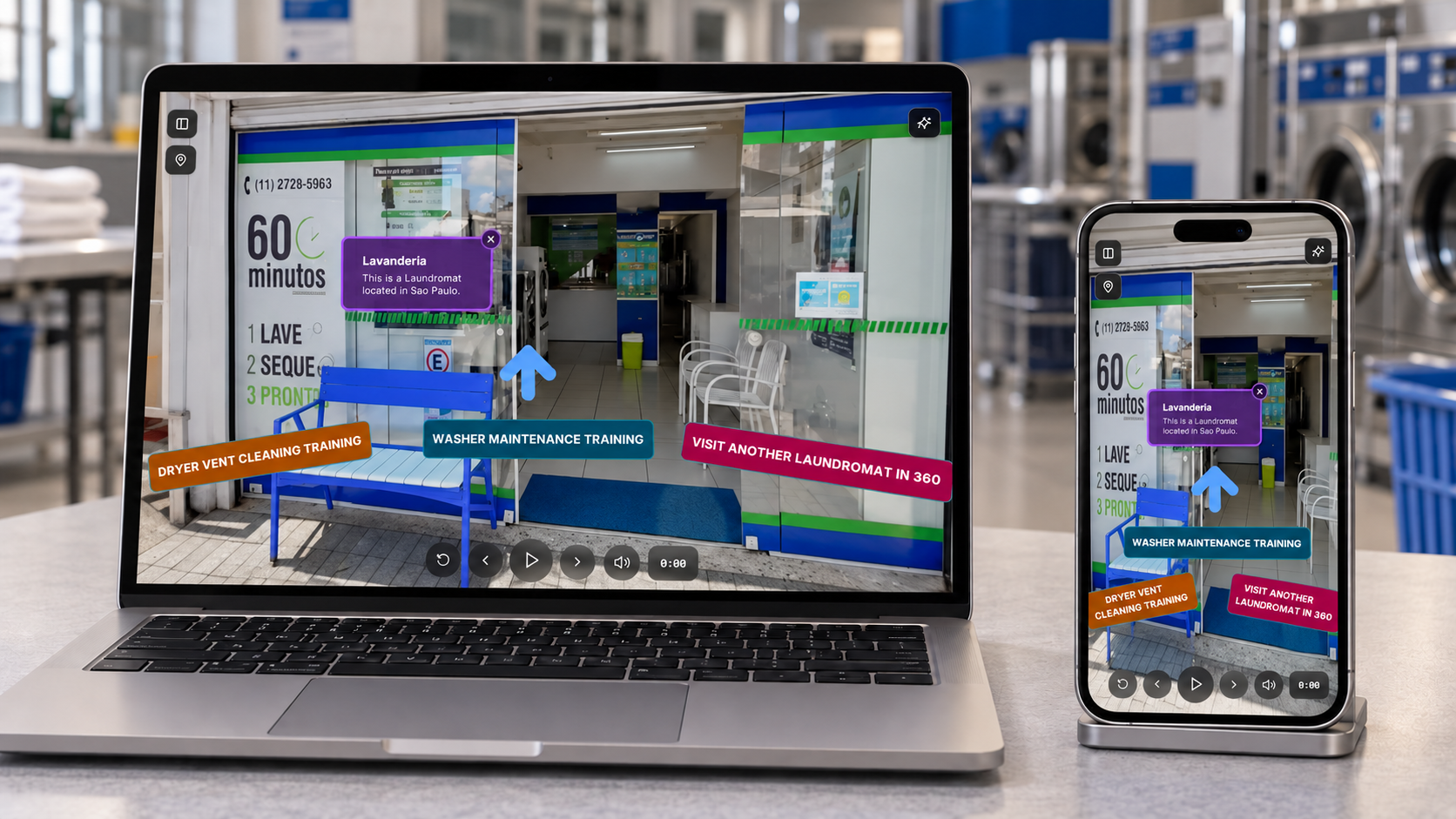
The same program every time.
Every cohort gets the same sequence, at every location, whoever is running it that month.
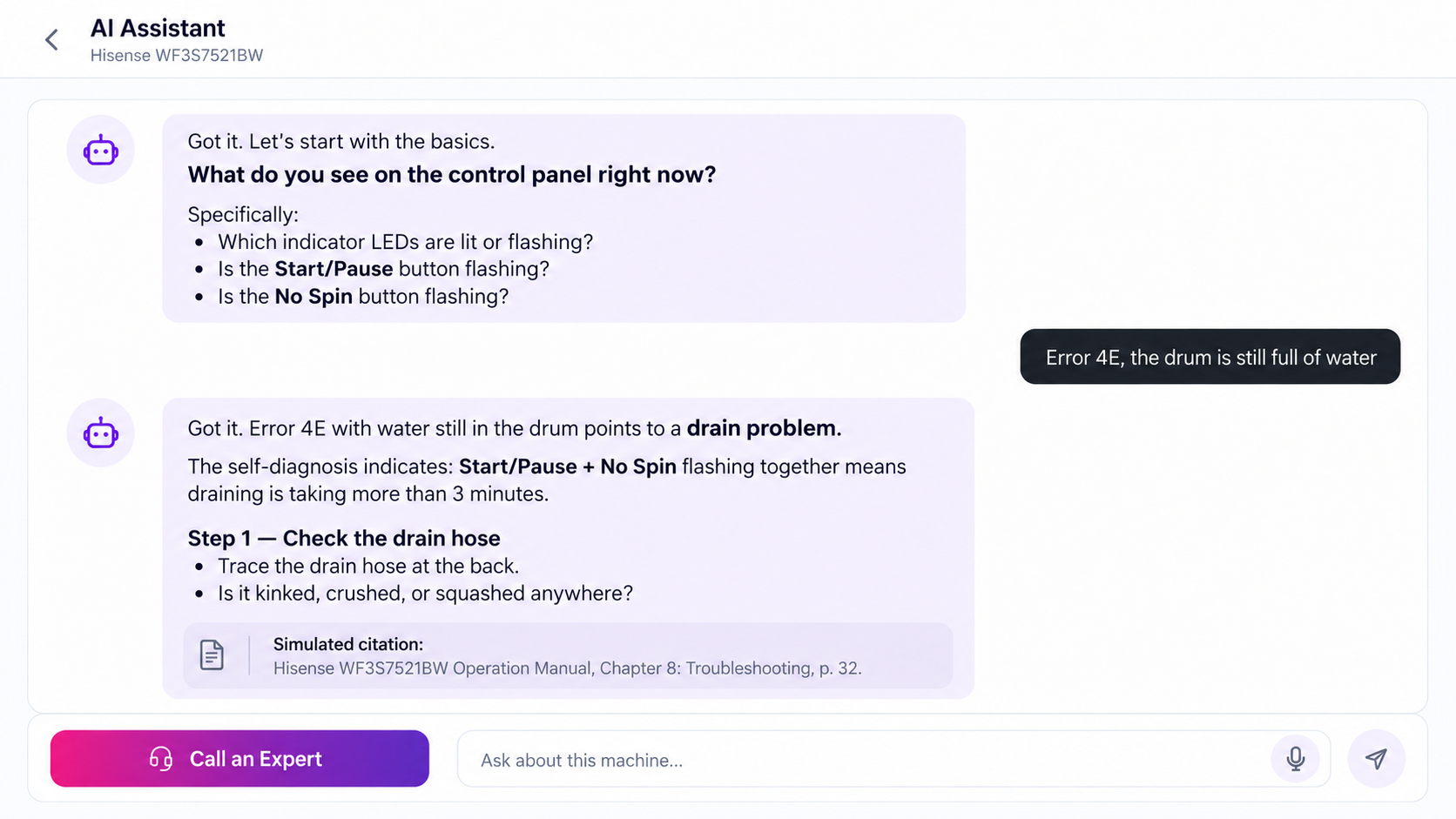
Questions answered after onboarding ends.
An AI assistant trained on your own material handles the month-three questions without pulling someone off the floor.
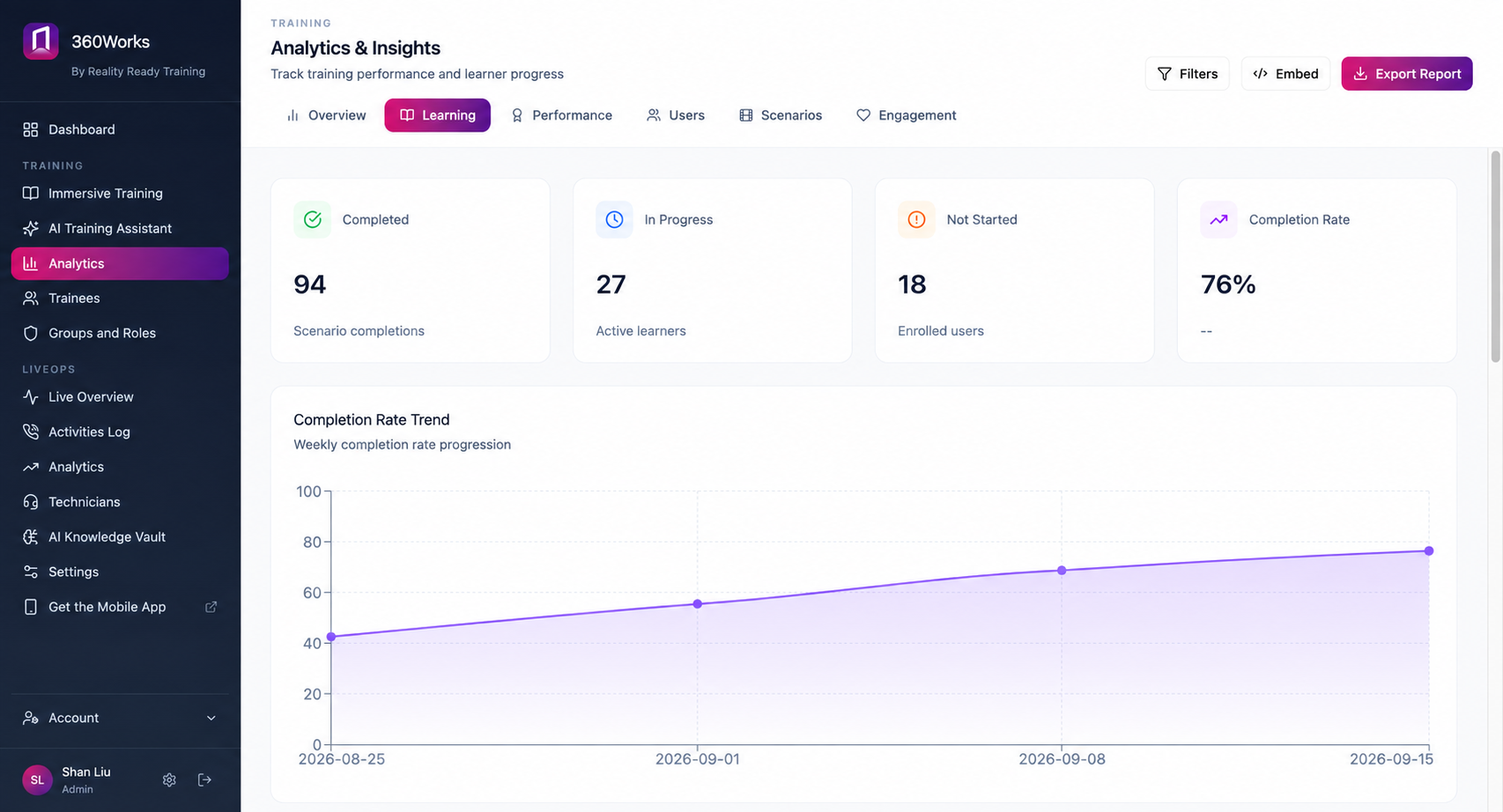
A record of who finished.
Completion and scores per person, exportable or pushed to your LMS.
Typical Modules
New Hire Onboarding
- 1 The site walkthrough 25 min
- 2 Where things are kept 10 min
- 3 Who does what, and who to ask 10 min
- 4 The tools and systems you will use 20 min
- 5 First-week procedures 25 min
- 6 Safety basics for your areas 20 min
- 7 Escalation: who to call when something goes wrong 10 min
What You Need To Start
The material you already have. Most teams start with existing slides, procedure documents and any video that has already been shot, and have a first module running inside a week.
Add 360° footage when you want it. A phone works; a 360° camera gives you more. Neither is required to begin.
Built By Our Studio
Reality Ready Training's studio captures your sites, scans your equipment, builds the interactive models and produces the program, then hands it over in your own 360Works account for your team to update.
Common Questions
-
Most teams have something running in a week, working from material they already have.
-
Yes. Publish to SCORM or export per-learner records into the system you already run.
-
You edit the module. No reshoot unless the space itself changed.
-
No. Courses open in a browser on whatever device they already have.
Build your first module this week
Start with the slides and documents you already use. Free to try, nothing to install.